A re-engagement email campaign is a short series of emails you send to subscribers who have stopped opening or clicking, to find out whether they still want to hear from you. Done well, it wins back a slice of quiet readers, removes the rest politely, and protects the inbox placement of every email you send to the people who do care. In this guide you get a clear definition of inactive, a 6-step process, a 3-email template you can copy, honest subject lines and the exact setup in common email tools.
📌 Short answer
Pick subscribers with no clicks or replies for roughly 3 to 6 months, send them 3 short emails over about 2 weeks that ask one question (do you still want these?), keep everyone who clicks, and suppress everyone who stays silent.
✔ Key takeaways
⏱ About 14 min read · the short version is right here
- A re-engagement email campaign targets subscribers who stopped engaging, not customers who stopped buying (that is a win-back campaign).
- Define inactive by sends received, not only by months: someone who got 2 emails has not had a fair chance; someone who got 20 has.
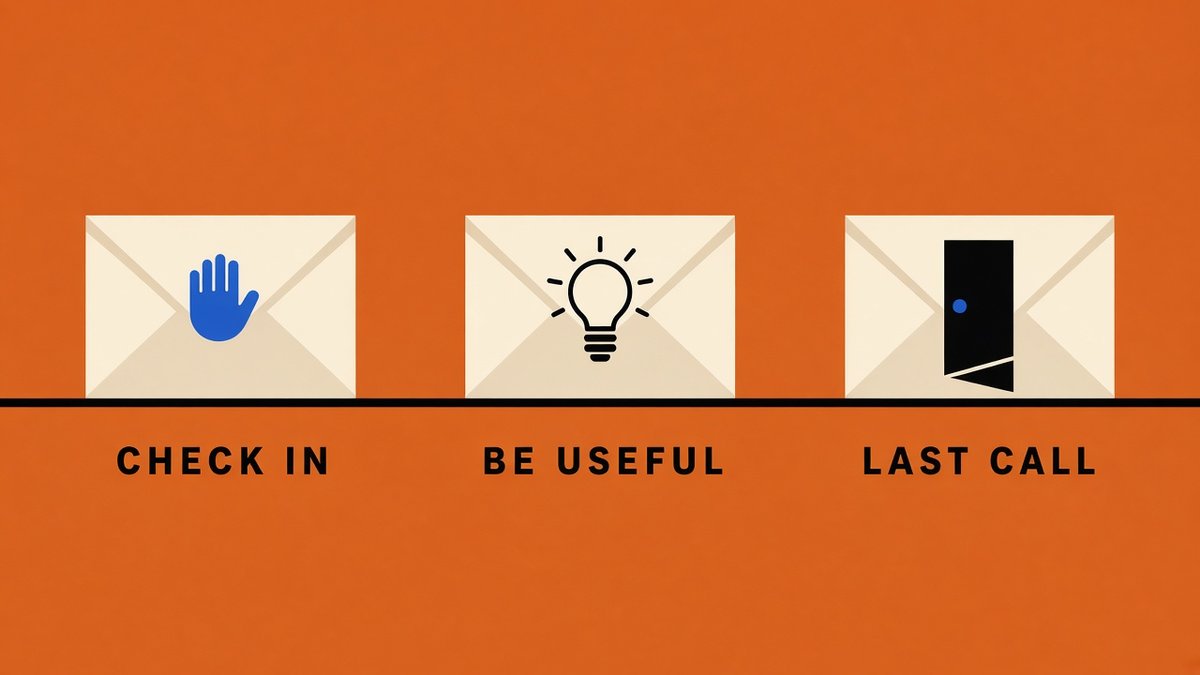
- Three emails over 10 to 14 days is enough: a plain check-in, a useful email with an easy way to stay, and an honest final notice.
- Suppress non-responders instead of mailing them forever; cold contacts drag down engagement and often still count toward your bill.
- Opens are unreliable since Apple Mail Privacy Protection, so treat clicks, replies and purchases as the real signals of interest.
📋 In this guide
- Re-engagement email campaign at a glance
- What a re-engagement email campaign is (and is not)
- Why clean up your list before the holiday rush
- Who counts as inactive on your list
- How to run a re-engagement email campaign in 6 steps
- A 3-email re-engagement template you can copy
- Re-engagement email subject lines that stay honest
- How to set it up in Kit, Systeme.io or another tool
- Mistakes that quietly hurt deliverability
- How to measure the results
- My take
- FAQ
Re-engagement email campaign at a glance
Here is the whole process on one screen. Adjust the windows to how often you send and how long your buying cycle is.
| Step | What you do | Typical timing |
|---|---|---|
| 1. Find inactive subscribers | Filter by no clicks or replies in a set window | 3 to 6 months, or the last 10 to 16 sends |
| 2. Remove the obvious dead | Drop hard bounces and invalid addresses first | Before the first email |
| 3. Email 1: check-in | Short, personal note with one “keep me” link | Day 0 |
| 4. Email 2: something useful | Real value plus the same “keep me” link | Day 4 to 7 |
| 5. Email 3: final notice | Say when you will stop sending, give one last link | Day 10 to 14 |
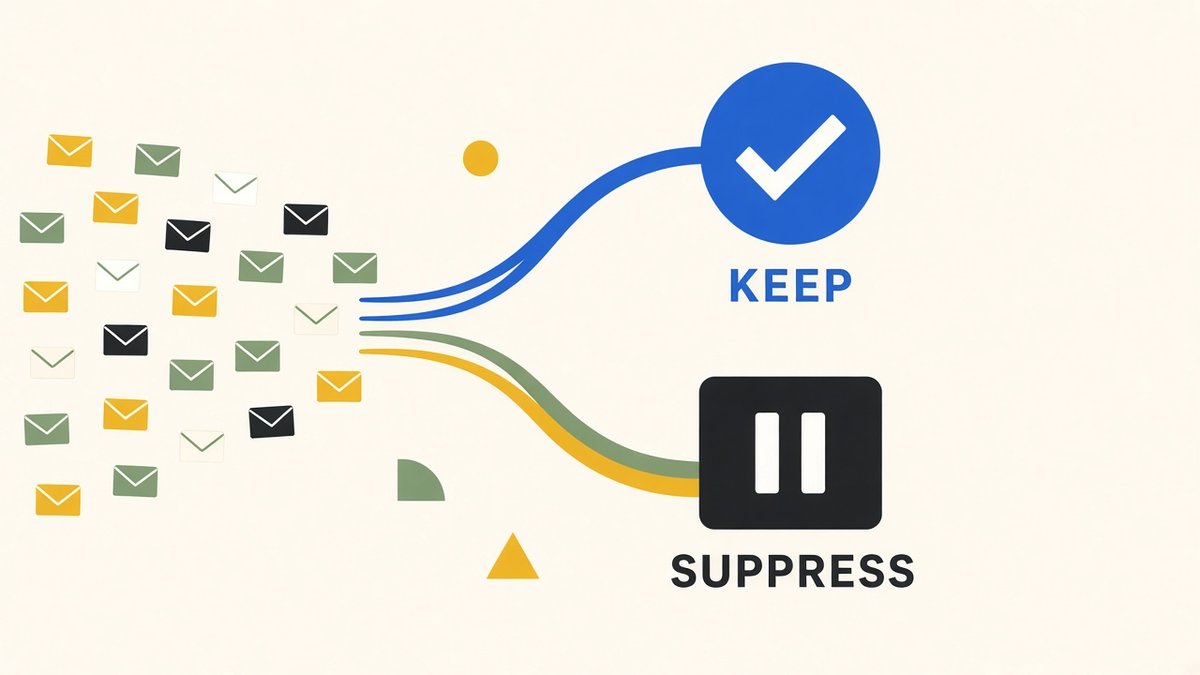
| 6. Sort and suppress | Keep clickers, suppress the silent ones | About 7 days after email 3 |
If your list is still small and you are building the basics, start with my guide to email marketing for small business and come back here once you have a few months of sends behind you.
What a re-engagement email campaign is (and is not)
A re-engagement email campaign is list care first and a sales email second. Its job is to separate subscribers who still want your emails from those who signed up once and moved on. People who click stay. People who do not are removed from regular sends.
It is often confused with a win-back campaign. A win-back campaign targets past customers who stopped buying, and it usually includes an offer. Someone can open every newsletter and still not have bought since spring; another person may never open your emails but still order twice a year. Treat those as two different jobs, with two different segments.
You will also see the terms sunset policy and list hygiene. A sunset policy is the standing rule you write once (for example, suppress anyone with no clicks in 6 months after a re-engagement series), and the re-engagement campaign is how you apply it fairly.
💡 Keep the two lists apart
Build one segment for inactive subscribers (no clicks or replies) and a separate one for lapsed buyers (no orders in your normal cycle). Mixing them makes your results impossible to read.
Why clean up your list before the holiday rush
Late November into December is when most small businesses send more email than at any other time of year. That is exactly when a list full of silent addresses hurts most. Mailbox providers such as Gmail and Yahoo watch how recipients react to your mail. When a large share of your list ignores you, deletes you unread or marks you as spam, more of your email starts landing in the promotions tab or the spam folder, including the emails sent to your best readers.
Since 2024, Gmail and Yahoo have also required bulk senders to authenticate their mail with SPF, DKIM and DMARC, offer one-click unsubscribe, and keep spam complaints low. Google asks senders to keep the spam rate reported in Postmaster Tools below 0.3%, and ideally well below 0.1%. Mailing people who forgot they signed up is one of the fastest ways to collect complaints.
There is a cost angle too. Most email tools price by contacts, so silent subscribers can push you into a higher plan. Kit, for example, says in its help centre that cold subscribers still count toward your list total and your bill. A cleaner list often means a smaller invoice, and in the EU and UK, removing data you no longer use also fits the GDPR principle of keeping personal data only as long as you need it.
Who counts as inactive on your list
There is no single official definition of an inactive subscriber, so pick one that matches your sending rhythm. The fairest way is to count emails received rather than calendar months alone.
| How often you send | Starting window (no clicks or replies) | Notes |
|---|---|---|
| Weekly | Last 12 to 16 sends, about 3 to 4 months | Shorter windows suit daily or very frequent senders |
| Twice a month | Last 10 to 12 sends, about 5 to 6 months | Good default for most coaches and creators |
| Monthly | Last 6 to 9 sends | Be patient; each person has had fewer chances |
| Seasonal or irregular | At least 6 sends and 9 months | Long buying cycles need longer windows |
Always leave out people who joined recently, because they have not had enough emails to judge. Leave out recent buyers and anyone who replied to you, even if they never click. Replies and purchases are stronger signals than any click.
Why not use opens? Apple Mail Privacy Protection loads images automatically for many Apple Mail users, which can register an open whether or not the person read anything. Opens still help as a rough hint, but a list that looks 50% engaged on opens can be far less engaged on clicks. If your tool lets you choose, build the inactive segment on clicks and replies. My guide to email segmentation for small business shows how to build segments like this step by step.
⚠️ Never re-email these contacts
Do not include past unsubscribes, spam complainers or hard bounces in your re-engagement email campaign. They already told you no, and mailing them again can break anti-spam laws such as CAN-SPAM and GDPR rules on consent.
How to run a re-engagement email campaign in 6 steps
Export a backup first
Download your full list with signup date, source, tags and last activity. Keep the file untouched so you can undo a mistake.
Remove the obvious dead addresses
Clear hard bounces, invalid and duplicate addresses before you send anything. Fix clear typos like gmial.com only where you are sure.
Build the inactive segment
Use the window from the table above. Exclude new subscribers, recent buyers, repliers, unsubscribes and complainers.
Write 3 short emails
A plain check-in, a genuinely useful email and an honest final notice. Each one carries a single “yes, keep me” link.
Automate the timing
Send email 1, wait 4 to 7 days, send email 2, wait another 5 to 7 days, send email 3. Anyone who clicks leaves the sequence at once.
Sort and suppress
About a week after email 3, tag the clickers as reactivated and suppress or unsubscribe everyone who stayed silent. Keep the suppression list so a future import cannot add them back.
Send the campaign from your normal sender name and address. A new from-name looks unfamiliar and gets ignored, which defeats the purpose. Keep the emails plain, close to a personal note rather than a designed newsletter.
A 3-email re-engagement template you can copy
These three emails are written for a coach or small business owner sending under their own name. Swap the brackets for your details and keep the tone friendly and short.
Email 1: the plain check-in (day 0)
Subject: Still want these from [your name]?
Hi [first name], it is [your name]. I send a short email about [twice a month] with [what you actually send: tips, templates, the occasional offer]. I noticed you have not clicked one in a while, and that is completely fine. Inboxes get crowded.
If you still want them, click here: [Yes, keep me on the list]. If not, the unsubscribe link is at the bottom. No hard feelings either way.
Email 2: something useful (day 4 to 7)
Subject: One quick tip, and a question
Hi [first name], here is one thing that has helped my clients this month: [one specific, practical tip they can use today].
And a question: what would you actually like to hear from me about? Just reply in one line, I read every reply. If you would rather stay on the list without writing back, click here: [Keep me on the list].
Email 3: the honest final notice (day 10 to 14)
Subject: I will stop emailing you on [date]
Hi [first name], I have not heard from you, so I am guessing these emails are not useful right now. I will take you off my list on [date].
If I guessed wrong, click here and you will stay: [Keep me on the list]. If you need me later, you can always find me at [website]. Thanks for reading so far.
💡 Should you add a discount?
Usually not in a re-engagement email campaign. The goal is to confirm interest, not to buy it. If you want an offer, save it for a separate win-back email to lapsed customers, and put it near the end so regular readers do not learn to wait for coupons.
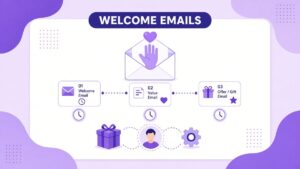
Looking for more ready-made email examples? My welcome email sequence template uses the same short, personal style, and a good welcome series is the best way to stop new subscribers going cold in the first place.
Re-engagement email subject lines that stay honest
People often search for clever re-engagement email subject lines. The ones that work best tend to be plain and true. Avoid fake urgency, fake RE: or FWD: prefixes, and anything that misdescribes the email; CAN-SPAM in the US requires subject lines that do not mislead, and inbox providers penalise tricks.
| Subject line idea | Why it works | |
|---|---|---|
| 1. Check-in | Still want these from [name]? | Clear question, sounds like a person |
| 1. Check-in | Quick question about your inbox | Short, curiosity without a trick |
| 2. Value | One tip for [their goal] this week | Promises something useful and specific |
| 2. Value | What should I write about next? | Invites a reply, the strongest signal |
| 3. Final | I will stop emailing you on [date] | Honest, tells them what happens and when |
| 3. Final | Should I take you off my list? | Polite and easy to answer with one click |
Use the preview text too. A line such as “One click keeps you on the list” tells the reader exactly what to do before they even open the email.
How to set it up in Kit, Systeme.io or another tool
Most modern email tools can run this campaign automatically with tags, a short sequence and a link trigger. Here is how the main options I have tested compare for this specific job.
| Tool | Built-in inactive view | How you automate it | Free plan |
|---|---|---|---|
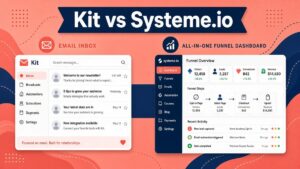
| Kit | Yes: “Cold” subscriber status (no open or click in 180 days, or 60 days for new subscribers) | Visual Automation templates for automatic and ad hoc list cleaning with a link trigger | Yes, up to 10,000 subscribers |
| Systeme.io | No dedicated status; filter contacts by tag and activity | Tags plus an email campaign and automation rules that add or remove tags on link click | Yes, up to 2,000 contacts |
| MailerLite | Inactive subscriber segments in its groups and segments | Automation with a click condition | Yes, with limits |
In Kit
Kit makes this easier than most tools. On the Subscribers page, switch the status filter to Cold, select those subscribers and add a tag. Kit’s help centre offers two free Visual Automation templates: one that automatically sends a short re-engagement sequence to new subscribers who never open, and an ad hoc template for your whole cold segment. Subscribers who click the link trigger are tagged as reactivated and leave the sequence; the rest are unsubscribed about a week after the last email. If Kit fits your business, you can start on the free Kit plan and use the same templates; my full Kit review covers its automations in more detail, and Kit pricing explained shows how much a cleaner list can save as you grow.
In Systeme.io
Systeme.io has no special cold status, so you build the segment yourself. Filter contacts by your inactive tag or by the campaigns they received, add a tag such as re-engage, and put three emails in a campaign. Add an automation rule so a click on the “keep me” link removes the re-engage tag and adds reactivated. After the last email, filter whoever still has re-engage and unsubscribe them. It takes more clicks than Kit but works well, especially if your funnels and courses already live in Systeme.io.
In MailerLite or another tool
The logic is the same everywhere: a segment, a three-step automation, a click condition and a clean-up at the end. If you are still deciding which platform to use, my comparison of Kit vs MailerLite and my list of the best email marketing tools for coaches compare automation features side by side.
Clean your list with Kit’s free templates
Kit flags cold subscribers for you and includes ready-made list-cleaning automations. The free plan covers up to 10,000 subscribers.
Affiliate link. I may earn a commission at no extra cost to you.
Mistakes that quietly hurt deliverability
- Mailing the whole cold segment in one blast. If the group is large, split it into batches over a few days so a spike of ignored email does not hit your reputation at once.
- Counting opens as success. Machine opens inflate results. Judge the campaign on clicks of the keep-me link and on replies.
- Deleting instead of suppressing. Deleted contacts can come back through a form, import or integration. A suppression list or unsubscribed status keeps them out.
- Changing your sender name for the campaign. An unfamiliar name gets ignored or reported. Use the name your readers know.
- Running it once and never again. Lists decay every month. Repeat the process every 3 to 6 months, or automate it for new subscribers.
- Fixing the symptom but not the cause. If many new subscribers go cold within weeks, look at your lead magnet, your signup promise and your first emails.
How to measure the results
Track a few simple numbers for the re-engaged group and for your main list before and after the clean-up.
| Metric | What it tells you | What to look for |
|---|---|---|
| Reactivation rate | Share of the inactive segment who clicked to stay | Any real number is a win; many lists see a small minority return |
| Unsubscribes and complaints | Whether the tone felt respectful | Complaints should stay very low |
| Main-list click rate | Whether the clean-up improved engagement | Should rise after suppression |
| Inbox placement | Whether providers trust you more | Fewer spam-folder reports, steadier Postmaster Tools data |
| Contact count and bill | Whether you saved money | A smaller, cheaper plan tier |
Treat list loss like customer churn: some is healthy and expected. If you want a simple way to track it over time, the same logic as in my guide on how to calculate churn rate works for subscribers too, and my customer retention strategies help keep both readers and buyers around longer.
My take
A re-engagement email campaign is one of the least glamorous jobs in email marketing and one of the most useful. Three honest emails, a clear keep-me link and the discipline to suppress the silent ones give you a smaller list that opens, clicks and buys more, and a sender reputation that holds up during the busiest weeks of the year.
If you run it in Kit, the cold subscriber filter and free list-cleaning templates do most of the work; you can set up a free Kit account and have the automation running in an afternoon. Whatever tool you use, schedule the clean-up every few months and spend the time you save on writing emails your readers look forward to.
📝 About this guide: Written for solo creators, coaches and small businesses with lists from a few hundred to tens of thousands of contacts. It follows the public sender guidelines from Gmail and Yahoo and the official help pages of the email tools named, and the timing windows are starting points, not benchmarks. If a rule or tool feature changes, I update this guide.
Frequently Asked Questions
What is a re-engagement email campaign?
It is a short series of emails sent to subscribers who have stopped opening or clicking, asking whether they still want your emails. People who click stay on the list; those who stay silent are suppressed or unsubscribed.
How many emails should a re-engagement campaign have?
Three is a good default: a plain check-in, a useful email with an easy way to stay, and an honest final notice, spread over about 10 to 14 days.
When is a subscriber considered inactive?
There is no official rule. A common starting point is no clicks or replies in 3 to 6 months, or over the last 10 to 16 emails for weekly senders. Kit marks subscribers as cold after 180 days without an open or click.
What is the difference between a re-engagement and a win-back email?
Re-engagement targets subscribers who stopped engaging with your emails. Win-back targets past customers who stopped buying and often includes an offer.
Should I delete inactive subscribers?
Suppress or unsubscribe them rather than only deleting, so they cannot be re-added by an import or form. Keeping silent contacts usually hurts deliverability and can raise your email bill.
Do re-engagement emails help deliverability?
Yes, indirectly. Removing people who ignore your emails raises the share of recipients who engage, which mailbox providers such as Gmail and Yahoo use when deciding where your email lands.
Affiliate disclosure: some links in this post are affiliate links, so I may earn a commission at no extra cost to you. I only recommend tools I’d use myself.