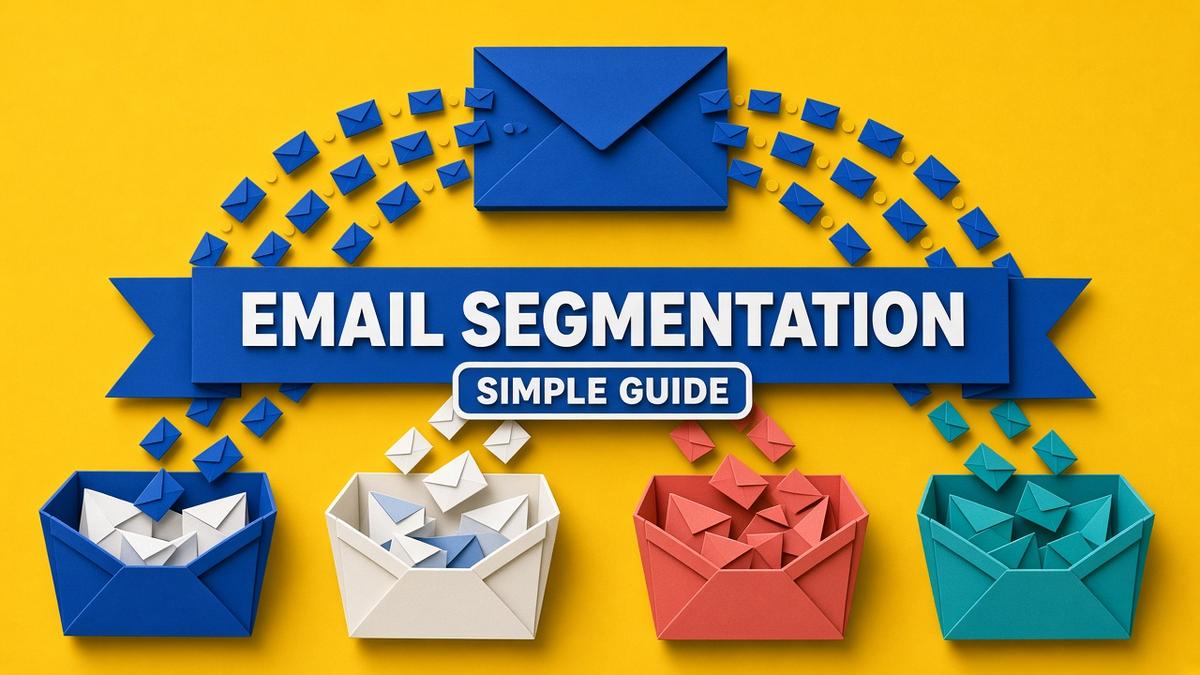
Email segmentation means splitting your email list into smaller groups so each person gets messages that fit their interests, stage or behaviour. For a small business, email segmentation is the fastest way to lift open rates, clicks and sales without growing your list at all, because relevant emails simply perform better than one message blasted to everyone. This guide explains what email segmentation is, the nine segments worth starting with, a six-step setup, real examples, and how to stay on the right side of GDPR in the UK and EU.
✔ Key takeaways
⏱ About 9 min read · the short version is right here
- Email segmentation groups subscribers by shared traits such as interest, purchase history, engagement or location.
- Start with just three segments: new subscribers, customers and inactive subscribers. Add more only when you have content for them.
- Behaviour-based segments (what people click and buy) usually outperform demographic ones.
- Collect data through sign-up form choices, link clicks and purchases rather than long forms.
- Under GDPR, segmentation is fine for the purposes people agreed to, but sensitive data and hidden profiling need extra care.
📋 In this guide
- What is email segmentation?
- Why email segmentation matters
- 9 ways to segment your email list
- How to start email segmentation in 6 steps
- Email segmentation examples you can copy
- How to collect segmentation data (without being creepy)
- Email segmentation, GDPR and consent
- How to measure whether segmentation works
- Common email segmentation mistakes
- FAQ
What is email segmentation?
Email segmentation is the practice of dividing your subscribers into groups, called segments, based on things they have in common. Instead of sending every email to your whole list, you send each campaign to the segment it suits best.
A segment can be as simple as ‘people who bought in the last 90 days’ or as specific as ‘subscribers in Germany who downloaded the pricing guide but have not booked a call’. Most modern email tools build segments automatically from tags, form fields and behaviour, so once the rules are set, people move between segments on their own.
📌 Segments vs lists
A list is a separate database of contacts. A segment is a filtered view of one list. Use one main list with segments or tags inside it, so the same person is never counted twice or emailed twice.
Why email segmentation matters
Imagine a bakery that emails its whole list about a wholesale catering offer. Home customers ignore it, some unsubscribe, and the few cafe owners who needed it never see it among the noise. Send the same offer only to subscribers tagged ‘business’ and it becomes the most useful email of the month.
That is the core benefit of email segmentation: relevance. Relevant emails earn more opens and clicks, fewer unsubscribes and fewer spam complaints. Fewer complaints protect your sender reputation, which helps every future email land in the inbox rather than spam. It also lets you send more often to engaged people without annoying the rest.
| Without segmentation | With segmentation |
|---|---|
| Same email to everyone | Each email goes to the people it fits |
| Rising unsubscribe and spam rates | Lower complaints, better deliverability |
| Customers get offers for what they already bought | Customers get onboarding, upsells and loyalty perks |
| Hard to tell what each group wants | Clear data on which topics and offers work for whom |
9 ways to segment your email list
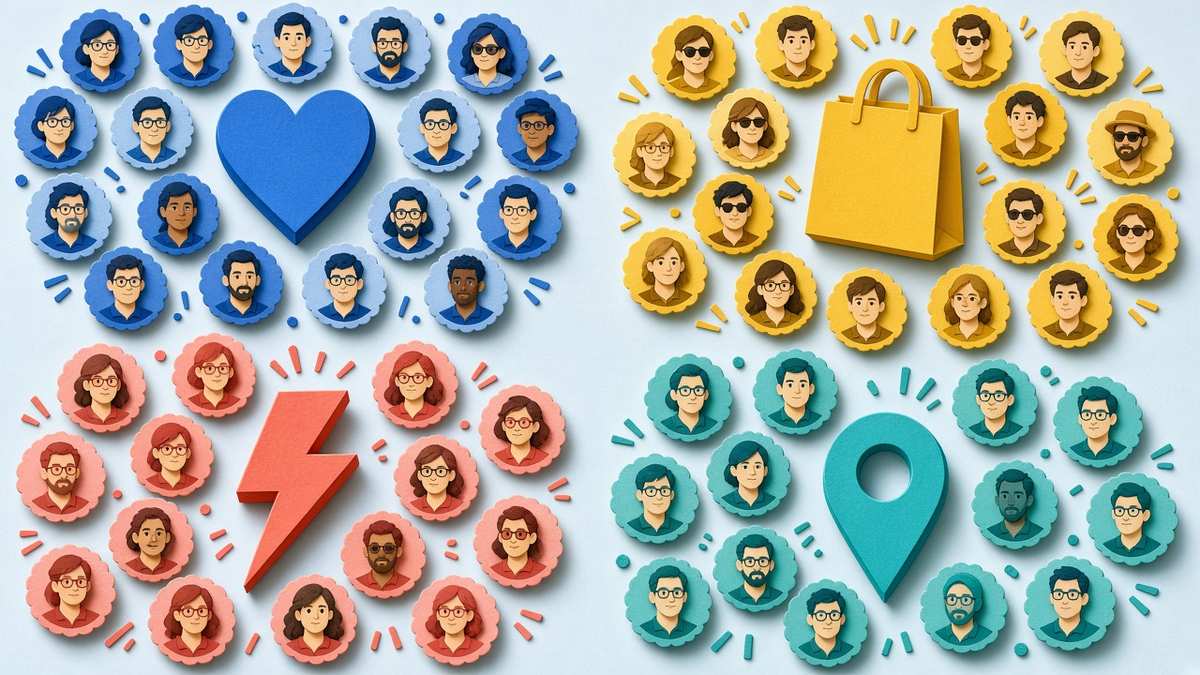
Nine common email segmentation types: interest, lifecycle stage, purchase history, engagement, location, source, role, value and behaviour.
You do not need all nine. Pick the two or three that match how your customers differ most.
| Segment type | Example segment | Best used for |
|---|---|---|
| 1. Lifecycle stage | New subscriber, lead, customer, repeat customer | Sending the right message at the right moment |
| 2. Interest or topic | Chose “marketing tips” vs “finance tips” at sign-up | Content newsletters with several themes |
| 3. Purchase history | Bought product A but not product B | Cross-sells, upsells and avoiding irrelevant offers |
| 4. Engagement | Opened or clicked in the last 60 days vs inactive | Protecting deliverability, re-engagement campaigns |
| 5. Location and time zone | US, UK, EU; or by time zone | Send times, local events, currency and legal wording |
| 6. Sign-up source | Webinar, lead magnet, checkout, event | Following up on what they originally wanted |
| 7. Role or business type | Freelancer, agency, e-commerce store | B2B offers and case studies that match their situation |
| 8. Customer value | Top 10% by spend | VIP offers, early access, referral asks |
| 9. On-site or in-email behaviour | Clicked pricing link, visited sales page twice | Timely sales follow-ups |
Behaviour-based segments, such as purchase history, engagement and clicks, are usually the most powerful because they reflect what people actually do, not what they told you once on a form.
How to start email segmentation in 6 steps
Clean your list first
Remove hard bounces and obvious fake addresses. Segmenting a messy list just gives you messy segments.
Start with three core segments
Create segments for new subscribers (joined in the last 30 days), customers (bought at least once) and inactive subscribers (no opens or clicks in 90 days). These three alone change how you write every campaign.
Add one question to your sign-up form
Ask a single, useful question such as ‘What do you want help with?’ with three options. Each answer applies a tag. Short forms convert better than long ones.
Tag behaviour automatically
Set your email tool to tag people when they click a topic link, download a lead magnet or buy a product. In tag-based tools such as Kit, a single subscriber can carry many tags, which keeps segmentation flexible without duplicate lists.
Write for one segment at a time
Before each campaign, ask ‘who is this for?’ If the answer is ‘everyone’, consider splitting it into two versions with a different first paragraph and offer.
Review segments every quarter
Delete segments you never email, merge ones that behave the same and add new ones only when you have content to send them.
💡 Use automation for the lifecycle
New subscribers should get a welcome email sequence automatically, and new customers an onboarding series. Then they move into your regular newsletter segment without you lifting a finger.
Email segmentation examples you can copy
Here are practical email segmentation examples for different kinds of small business. Copy the idea, not the exact wording.
- Online course creator: subscribers who watched the free webinar but did not buy get a three-email sequence answering common objections; buyers get course tips and a community invite instead.
- Service business or agency: leads who clicked the pricing page link in a newsletter get a personal follow-up offering a short call; everyone else keeps getting the regular newsletter.
- E-commerce store in the UK and EU: customers in the EU see prices in euros with VAT included and EU delivery times, while UK customers see pounds and UK delivery cut-offs before Christmas.
- B2B software: trial users who have not used a key feature by day 5 get a short how-to email; active trial users get a case study and upgrade offer.
- Local business: subscribers within 20 miles get event and in-store offers; distant subscribers get online offers only.
- Win-back: customers who have not bought in 6 months get a ‘we miss you’ email with a reason to return, part of a wider customer retention strategy.
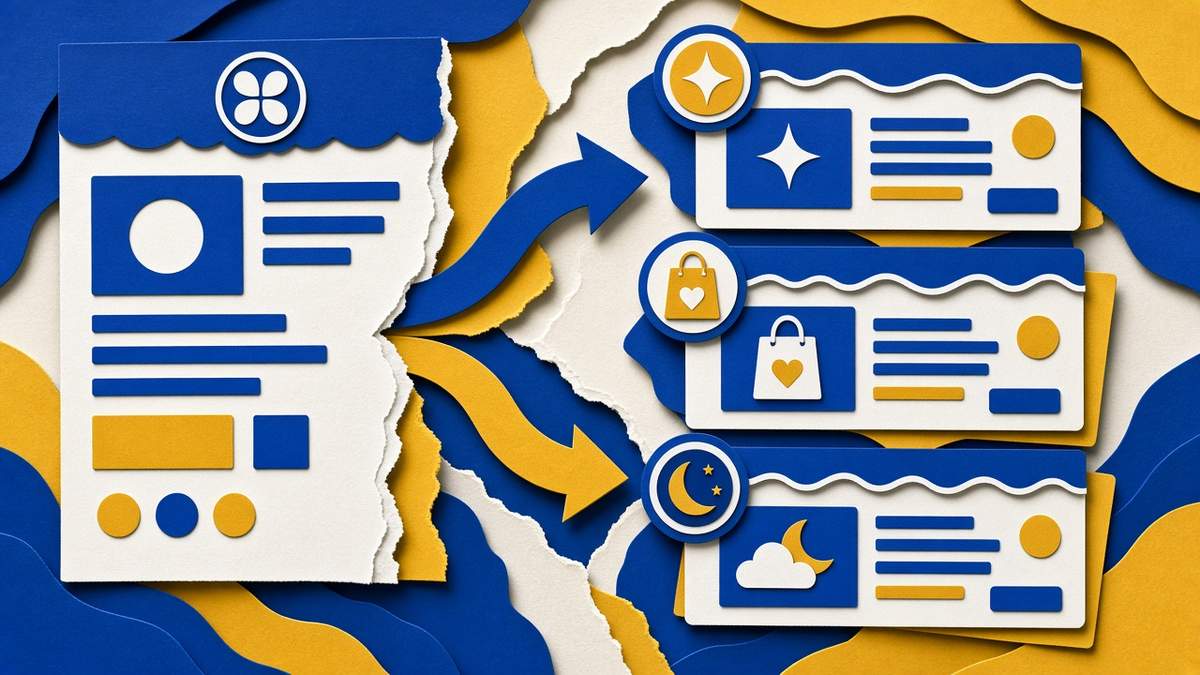
An email segmentation example: one newsletter split into tailored versions for new subscribers, customers and inactive readers.
How to collect segmentation data (without being creepy)
The best segmentation data comes from actions people take naturally. Ask for as little as possible and let behaviour fill in the rest.
| Method | What you learn | Effort |
|---|---|---|
| Sign-up form choice (one question) | Main interest or role | Low |
| Link clicks in emails | Topics and offers people care about | Low, automatic tagging |
| Purchases and checkout data | What they bought and how much they spend | Low if your store connects to your email tool |
| Preference centre | Topics and frequency they want | Medium |
| Short survey or poll | Goals, challenges, business size | Medium |
| Lead magnet or webinar sign-ups | Specific problem they are trying to solve | Low |
⚠️ Do not over-collect
Every extra form field lowers sign-ups. And under GDPR’s data minimisation principle, you should only collect data you will actually use.
Email segmentation, GDPR and consent
If you email people in the UK or EU, GDPR and the UK’s PECR rules apply. Segmenting subscribers based on their interests and engagement is generally fine when it is used to send the kind of emails they signed up for, and when your privacy policy explains it.
- Consent first: people must have opted in to marketing emails. Segmentation does not replace consent.
- Be transparent: say in your privacy policy that you use sign-up answers, clicks and purchases to personalise emails.
- Avoid sensitive data: do not segment by health, religion, political views or similar special-category data without explicit consent and a very good reason.
- Honour preferences: if someone asks for fewer emails or only one topic, update their segment promptly.
- Delete when done: remove long-inactive subscribers after a final re-engagement attempt.
In the US, the CAN-SPAM Act focuses on honest subject lines, a physical address and a working unsubscribe link. For a deeper checklist, see the UK ICO guidance on direct marketing and my overview of email marketing for small business.
How to measure whether segmentation works
Run a simple test. Send one campaign to your whole list and the next comparable campaign to segments with tailored versions. Then compare these numbers:
| Metric | What good looks like after segmenting |
|---|---|
| Click rate | Higher than your whole-list average |
| Unsubscribe rate | Lower, ideally under about 0.3% per send |
| Spam complaint rate | Well under 0.1%, the threshold big inbox providers watch |
| Revenue per email or per subscriber | Higher on offer emails sent to buying segments |
| Conversion on follow-ups | More calls booked or sales from behaviour-triggered emails |
Open rates have become less reliable since Apple Mail Privacy Protection, so give clicks, replies and sales more weight when you judge results.
Common email segmentation mistakes
- Too many tiny segments. Twenty segments of 40 people each is impossible to write for. Keep segments large enough to deserve their own content.
- Segmenting without content. A segment is only useful if you send it something different.
- Forgetting exclusions. Exclude recent buyers from the launch emails for the product they just bought.
- Static segments. Use rules and tags that update automatically, rather than one-off exports that go stale.
- Ignoring inactive subscribers. Emailing people who never open hurts deliverability for everyone else. Re-engage them or remove them.
Frequently Asked Questions
What is email segmentation?
Email segmentation is dividing your email list into smaller groups based on shared traits, such as interests, purchase history, engagement or location, so each group receives more relevant emails.
What are the most useful email segments for a small business?
Start with new subscribers, customers and inactive subscribers. Then add interest-based or purchase-based segments once you have content tailored to them.
How many segments should I have?
Most small businesses do well with three to six active segments. Only create a new segment when you will regularly send it different content.
Is email segmentation allowed under GDPR?
Generally yes, if subscribers opted in to marketing emails, you explain the personalisation in your privacy policy and you avoid sensitive data. Segmenting by special-category data needs explicit consent.
What is the difference between tags and segments?
Tags are labels applied to individual subscribers, such as ‘bought course’ or ‘webinar attendee’. Segments are filtered groups built from tags, form fields or behaviour, such as everyone tagged ‘bought course’ in the EU.
Does email segmentation improve deliverability?
Yes, indirectly. Sending relevant emails to engaged segments lowers complaints and unsubscribes, which improves your sender reputation and helps future emails reach the inbox.
Affiliate disclosure: some links in this post are affiliate links, so I may earn a commission at no extra cost to you. I only recommend tools I’d use myself.