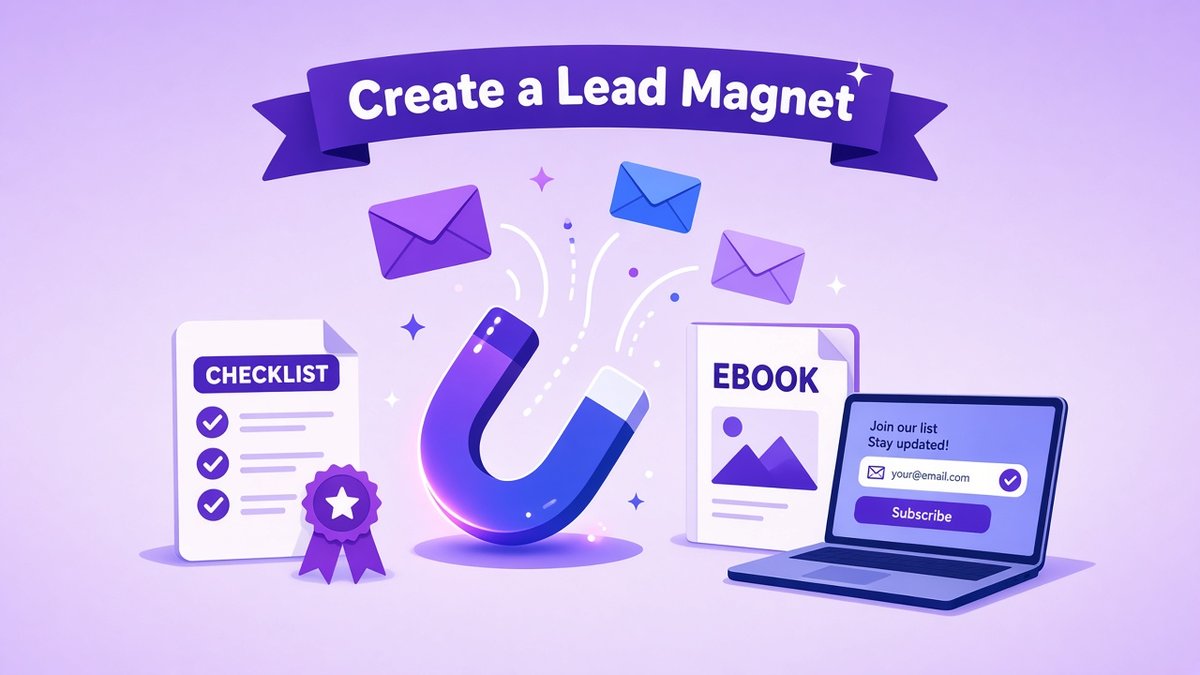
If you want a steady flow of email subscribers, learning how to create a lead magnet is one of the highest-return skills in small business marketing. A lead magnet is a small, genuinely useful freebie, such as a checklist, template or mini course, that you give away in exchange for an email address. Done well, it turns casual website visitors into subscribers who already trust you, and subscribers are far more likely to become paying customers than people who read one blog post and leave.
✔ Key takeaways
- A lead magnet is a free, specific resource offered in exchange for an email address.
- The best lead magnets solve one narrow problem quickly, ideally in under 15 minutes.
- Checklists, templates, swipe files, quizzes and short email courses usually beat long ebooks.
- Your opt-in page needs one clear promise, a short form and nothing else to click.
- Deliver the freebie instantly by email, then follow up with a short welcome sequence.
- If you collect emails from people in the UK or EU, get clear consent under GDPR.
📋 In this guide
What is a lead magnet?
A lead magnet is a free resource that you offer on your website, social profiles or ads in return for contact details, usually just a first name and email address. It is called a “magnet” because its job is to attract the right people: those who have the exact problem your paid product or service solves.
It is the entry point of most email marketing for small business strategies. Instead of asking a stranger to buy straight away, you offer a quick win first and earn the right to stay in touch.
Why lead magnets work
Most visitors are not ready to buy on their first visit. Without a way to capture them, they leave and rarely return. A lead magnet works because it:
- Gives value first, which builds trust before any sales pitch.
- Pre-qualifies leads, because only people with that problem will want it.
- Builds an audience you own, unlike social followers who depend on an algorithm.
- Starts a relationship you can nurture with useful emails and, later, relevant offers.
📌 Small list, real results
A list of a few hundred engaged subscribers who signed up for a specific freebie is often worth more than thousands of social followers. Relevance matters more than size.
Types of lead magnets that convert
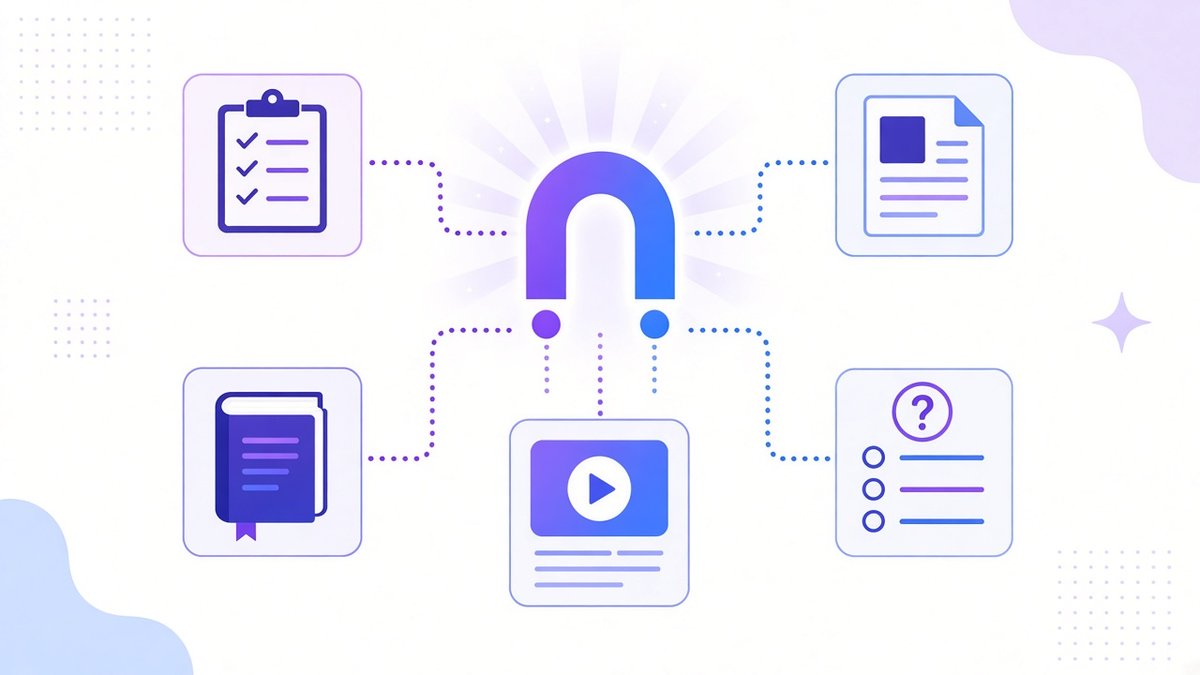
Pick a lead magnet format your audience can use quickly: a checklist, template, short ebook, mini course or quiz.
The format matters less than the result it delivers, but some formats are easier to consume and convert better. Here is how the common options compare:
| Format | Best for | Effort to create | Why it works |
|---|---|---|---|
| Checklist | Service businesses, coaches, bloggers | Low | Fast to use, easy to print or save |
| Template or swipe file | Marketers, freelancers, agencies | Low to medium | Saves the reader hours of work |
| Short guide or ebook | Complex topics, B2B | Medium | Shows expertise in depth (keep it short) |
| Email mini course | Creators, course sellers | Medium | Builds a daily habit of opening your emails |
| Quiz or assessment | Coaches, ecommerce, consultants | Medium to high | Personal results feel valuable and shareable |
| Free trial, demo or discount | SaaS and ecommerce | Low | Close to the purchase decision |
| Webinar or workshop | High-ticket offers | High | Lets people see you teach live |
💡 Quick wins beat big books
A one-page checklist that solves a problem in ten minutes usually outperforms a 60-page ebook nobody finishes. Aim for a resource that can be used the same day.
How to create a lead magnet in 7 steps
Choose one specific audience
Decide exactly who the lead magnet is for, for example “freelance designers who want more retainer clients” rather than “small businesses”. The narrower the audience, the easier it is to write a promise that grabs them.
Pick one painful problem
List the questions your customers ask most often, the topics that get the most comments, and the first hurdle people face before they could buy from you. Choose one problem you can solve quickly.
Link it to your paid offer
The best lead magnet solves a small part of the problem your product or service solves completely. A bookkeeper might offer a “monthly bookkeeping checklist”; a web designer might offer a “homepage copy template”.
Choose the format
Match the format to the problem and to how your audience likes to learn. If in doubt, start with a checklist or template, because they are quick to make and easy to improve.
Write a specific, benefit-led title
Promise a clear result: “The 15-Minute Website Audit Checklist” beats “Free Website Guide”. Numbers, time frames and outcomes make titles more concrete.
Create and design it
Write the content first, then design it with a free design tool. Keep it skimmable with headings, short sections and plenty of white space. Add your logo and a link back to your website.
Test it with real people
Share it with three to five people from your target audience before launching. Ask whether it was useful, what was confusing and what they would want next. Their answers often point to your paid offer.
Writing the opt-in page
Your opt-in page (also called a squeeze page or landing page) has one job: get the right visitor to sign up. Keep it simple:
- Headline: the specific result the freebie delivers.
- Two to four bullet points: what the reader will get or learn.
- A preview image: a mockup or screenshot of the checklist, template or guide.
- A short form: first name and email are enough. Each extra field reduces sign-ups.
- A clear button: “Send me the checklist” works better than “Submit”.
- A privacy note: one line explaining what you will send and that people can unsubscribe at any time.
Remove the main menu and other distractions from this page if your tool allows it. Then promote it from your most-visited blog posts, your social bios, your email signature and, once it converts well, paid ads. If you are not sure which pages get the most visits, the metrics in my guide to small business KPIs will help you track it.
Delivering it and following up
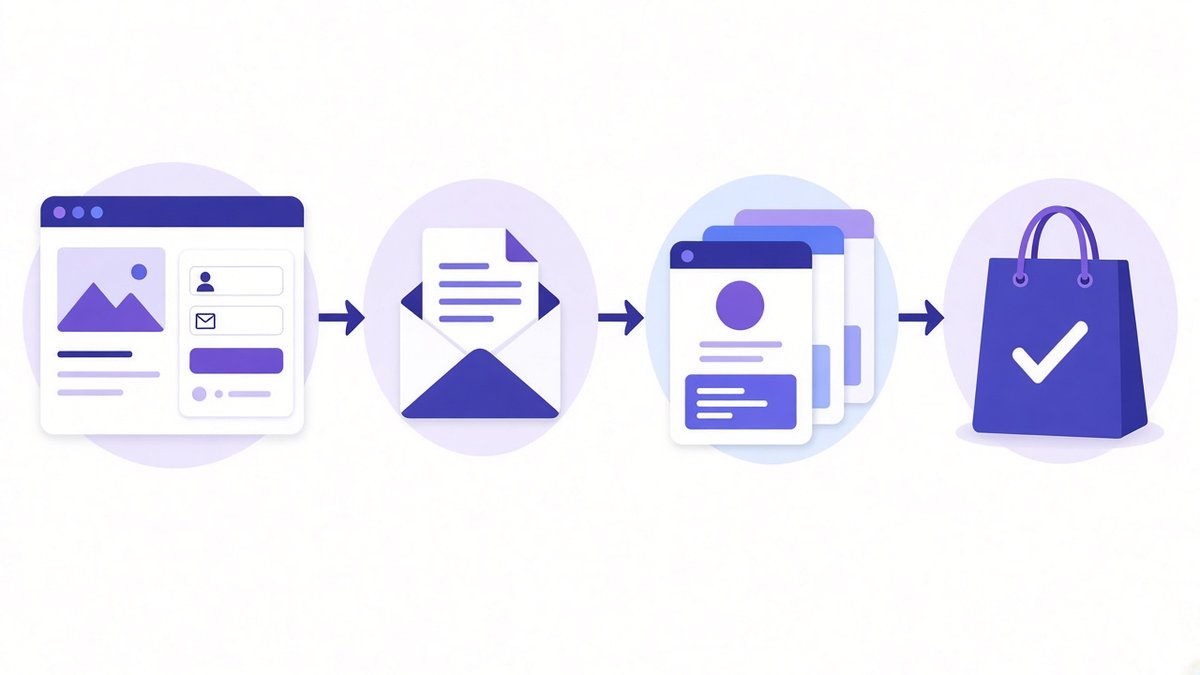
A simple lead magnet funnel: opt-in page, instant delivery email, short welcome sequence, then a relevant offer.
Deliver the lead magnet instantly by email, with a clear download link or access button. Sending it by email, rather than only showing it on a thank-you page, confirms the address is real and teaches the subscriber to look for your emails.
Then set up a short welcome sequence of three to five emails over the first week or two:
| When | Purpose | |
|---|---|---|
| 1. Delivery | Immediately | Send the freebie and say what to expect next |
| 2. Quick win | Day 2 | Share a tip on getting the most out of the resource |
| 3. Your story | Day 4 | Explain who you are and why you help people like them |
| 4. Proof | Day 6 | Share a case study, result or customer story |
| 5. Soft offer | Day 8 | Invite them to the next step: a call, product or paid plan |
This sequence is the bridge between a free download and a sale. Keep later emails useful too, because customer retention starts the moment someone joins your list, not after they buy.
Tools to create and deliver a lead magnet
You do not need an expensive tech stack. You need somewhere to design the resource, an opt-in page and an email tool that sends it automatically:
- Systeme.io is my pick if you want the opt-in page, email automation, file delivery and even a checkout in one place. Its free plan covers a starter funnel, and I cover the limits in my Systeme.io review.
- Kit (formerly ConvertKit) is great for creators and newsletter writers. It has landing pages, forms and lead magnet delivery built in, and I compare it in Kit vs MailerLite.
- A free design tool such as Canva or Google Docs exported as PDF is enough to design a good-looking checklist or template.
- A funnel builder if you plan to sell right after the opt-in. My list of the best free funnel builders compares the free options.
GDPR and consent basics
If any of your subscribers are in the UK or EU, GDPR applies. In practice that means:
- Say clearly what people are signing up for, for example the checklist plus a weekly newsletter.
- Do not use pre-ticked boxes, and do not hide marketing consent inside your terms.
- Keep a record of when and how each person subscribed (most email tools do this automatically).
- Make unsubscribing easy and include the link in every email.
- Link to a privacy policy that explains how you store and use the data.
⚠️ Not legal advice
These are general good-practice points. If you collect data at scale or in a regulated industry, check the official guidance from the UK ICO or your EU data protection authority, or speak to a professional.
Common lead magnet mistakes
- Too broad: “The Ultimate Guide to Marketing” attracts everyone and converts no one.
- Too long: if it takes hours to consume, most people never get the quick win.
- Unrelated to your offer: a popular freebie that attracts the wrong people builds a list that never buys.
- Hidden on the site: one small form in the footer will not grow a list. Promote it where people already are.
- No follow-up: sending the file and then going silent wastes the trust you just earned.
- Never updated: review conversion rates every few months and improve the title, page or format.
Frequently Asked Questions
What is the best lead magnet for a small business?
The best lead magnet solves one specific problem your ideal customer has, quickly, and connects naturally to what you sell. For most small businesses a checklist, template or short email course is the easiest place to start.
How long should a lead magnet be?
As short as it can be while still delivering a real result. Many of the best-performing lead magnets are one to five pages or can be used in under 15 minutes.
Do I need a website to offer a lead magnet?
It helps, but it is not required. Most email marketing tools and funnel builders let you publish a hosted opt-in page you can share from social media, your email signature or ads.
What is a good opt-in rate for a lead magnet?
It varies widely by traffic source and audience. Rather than chasing a benchmark, track your own conversion rate and test one change at a time, such as the headline, preview image or button text.
Can I charge for a lead magnet later?
Yes. Many businesses turn a popular free resource into a paid, expanded version, or use it as a bonus with a paid product. Keep a free entry point, though, so your list keeps growing.
How do I deliver a lead magnet automatically?
Connect your opt-in form to an email tool that sends an automatic delivery email with a download link as soon as someone subscribes. Tools such as Systeme.io and Kit do this out of the box.
Final thoughts
Once you know how to create a lead magnet, list building stops being a matter of luck. Pick one audience and one painful problem, solve it with a short checklist or template, put it on a simple opt-in page and follow up with a helpful welcome sequence. Then measure, improve and promote it everywhere your customers already spend time.
If you have not mapped out where the lead magnet fits in your wider marketing yet, start with my guide on how to write a marketing plan.
Launch your first lead magnet this week
Build the opt-in page, automatic delivery email and welcome sequence in one place with Systeme.io, which has a free plan to get started.
Affiliate link. I may earn a commission at no extra cost to you.
Affiliate disclosure: some links in this post are affiliate links, so I may earn a commission at no extra cost to you. I only recommend tools I’d use myself.