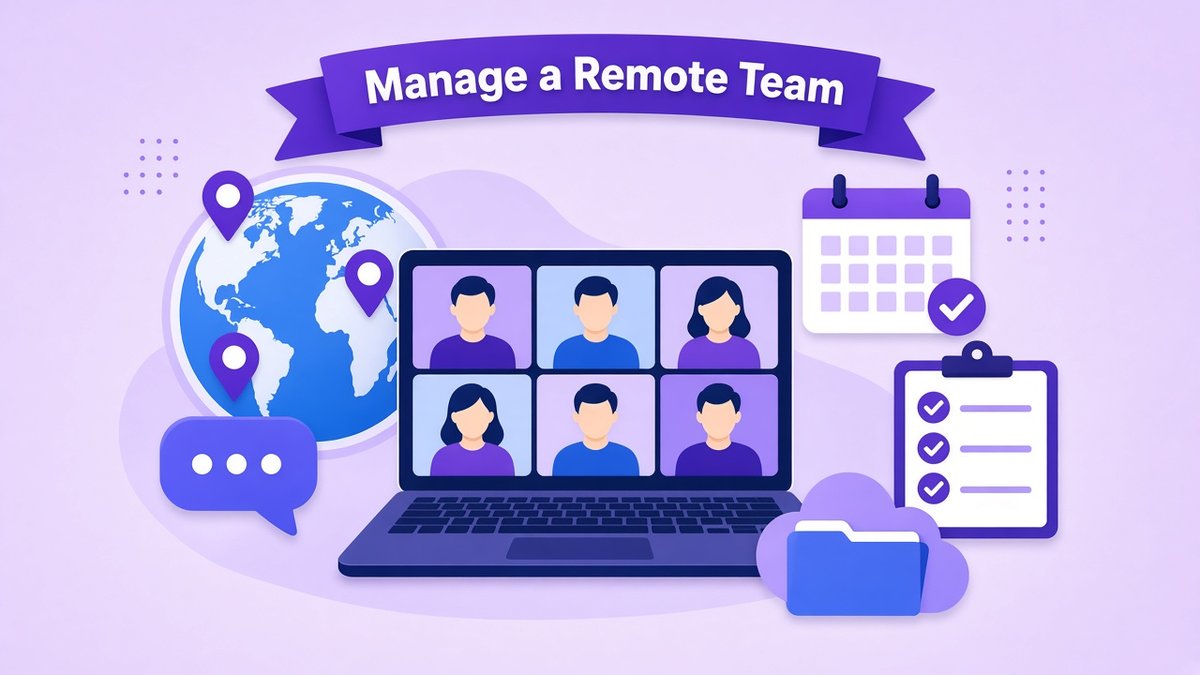
Knowing how to manage a remote team well is now a core skill for founders and managers, whether you run a fully distributed company, a hybrid office or a small business with a few freelancers spread across the US, UK and Europe. Remote work can make your team more focused and lets you hire the best people wherever they live. But the habits that work in an office, such as tapping someone on the shoulder or judging work by who looks busy, do not translate. You need clearer goals, written processes and the right tools.
✔ Key takeaways
- Remote teams run on clarity: written goals, roles, processes and expectations.
- Agree which channel is used for what, and default to asynchronous, written updates.
- Protect overlap hours for meetings and leave the rest of the day for focused work.
- Use a small, well-chosen tool stack for chat, video, tasks and shared files.
- Secure company files and accounts, especially when people use their own devices.
- Judge performance by outcomes, not by online status or hours on camera.
📋 In this guide
What makes remote teams different
Managing people remotely is still management: setting direction, removing obstacles and helping people grow. What changes is how information moves. In an office, a lot of context is picked up by accident. On a remote team, if something is not written down or said in the right place, many people simply never hear it.
| Area | In the office | On a remote team |
|---|---|---|
| Information | Overheard in passing | Must be written down and shared on purpose |
| Visibility | You see people working | You see results and updates |
| Meetings | Easy to call ad hoc | Need scheduling across time zones |
| Onboarding | Learn by sitting nearby | Needs documented processes and a buddy |
| Culture | Builds through shared space | Must be designed through rituals and trust |
Set up the foundations first
Define roles and outcomes
Write a one-page role description for each person: what they own, the results expected and who they work with. Ambiguity is the biggest source of friction on remote teams.
Document your core processes
Turn repeated work into simple written guides. My guide to writing standard operating procedures shows how to start without spending weeks on it.
Create a remote onboarding plan
Give every new hire a checklist for their first two weeks, the accounts they need, a buddy to ask questions and a clear first project. The same thinking applies to clients, as in this client onboarding process.
Write a short team handbook
Cover working hours, response times, holidays, which tools to use for what, and how decisions are made. Keep it short and update it as you learn.
Build a communication system

Map your team’s time zones, shared calendar, chat, video meetings and recorded updates into one clear communication system.
Most remote team problems are communication problems. The fix is to agree, in writing, which channel is used for what and how quickly people should respond:
| Channel | Use it for | Expected response |
|---|---|---|
| Project or task tool | Work requests, status, deadlines | Within one working day |
| Team chat | Quick questions, daily coordination | Within a few hours |
| Clients, suppliers, formal decisions | Within one working day | |
| Video call | Complex discussions, feedback, 1:1s | Scheduled in advance |
| Phone or urgent channel | Real emergencies only | Immediately |
Default to asynchronous communication, meaning messages that do not need an instant reply. A short written update or a recorded screen video often replaces a meeting and lets people respond when they are focused. Keep live meetings for decisions, brainstorming, feedback and relationship building.
💡 Run a weekly written check-in
Ask each person to share three things every Monday: what they finished last week, what they plan this week and anything blocking them. It takes five minutes and replaces most status meetings.
Work across time zones
A team spread from New York to London to Berlin has only a few hours of shared working time each day. Use them well:
- Set overlap hours, for example 2 pm to 5 pm UK time, for meetings and quick collaboration.
- Show time zones in calendars and chat profiles so nobody books a call at someone’s midnight.
- Rotate inconvenient meeting times so the same people are not always staying late.
- Record important meetings and share notes and decisions in writing.
- Hand over work clearly at the end of the day so the next time zone can pick it up.
📌 Respect local rules
If your team members are employees in different countries, local working-time, holiday and right-to-disconnect rules may apply, for example under EU working-time law. Check before setting expectations for evenings or weekends.
The remote team tool stack
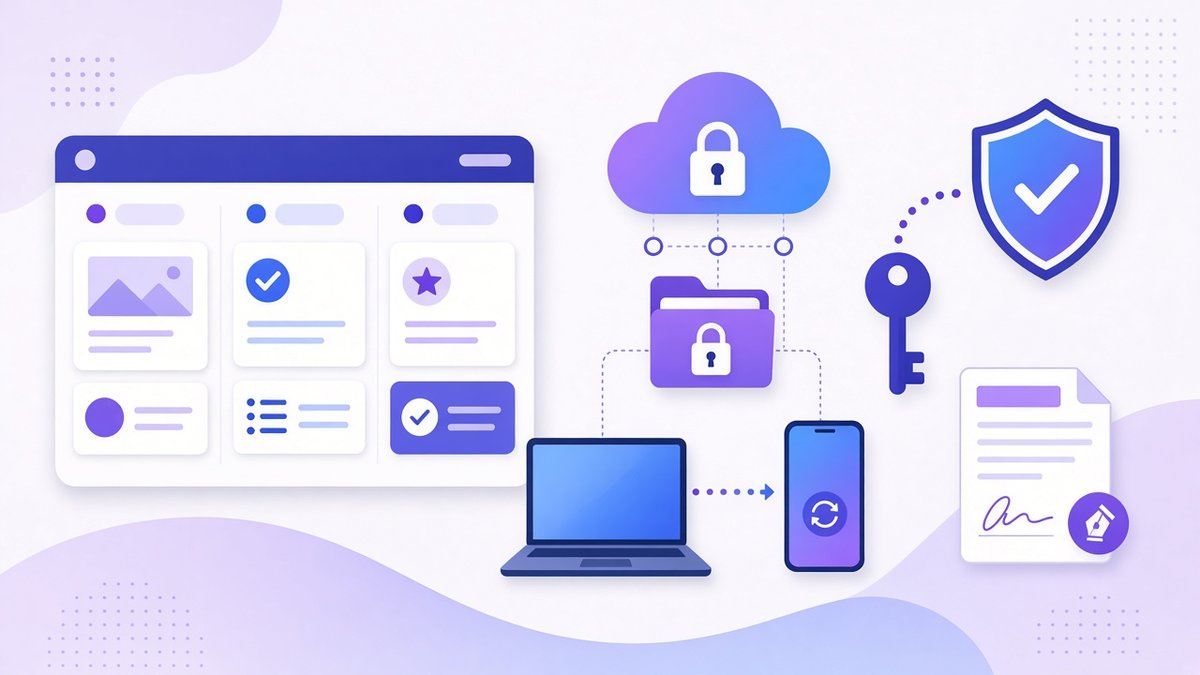
A lean remote team stack: a task board, secure shared cloud storage synced to every device, account security and e-signatures.
You do not need dozens of apps. Most small remote teams need one tool in each of these categories, and everyone should use the same ones:
| Need | What to look for | Examples |
|---|---|---|
| Chat | Channels, threads, search, status | Slack, Microsoft Teams, Google Chat |
| Video | Reliable calls, screen sharing, recording | Zoom, Google Meet, Teams |
| Tasks and projects | Owners, due dates, board or list views | Trello, Asana, ClickUp, Notion |
| Shared files | Sync on every device, sharing controls, version history, encryption | pCloud, Google Drive, Dropbox, OneDrive |
| Documentation | Easy editing and search | Notion, Google Docs, Confluence |
| Passwords | Shared vaults, 2FA, easy offboarding | Team password managers |
Shared files are where remote teams waste the most time, with versions scattered across email attachments and personal laptops. A single cloud folder structure fixes that. I use pCloud Business myself for this kind of setup: team folders, access permissions, file version history and optional client-side encryption, with a choice of US or EU data storage. I compare it with the alternatives in my guide to the best cloud storage for small business.
Keep files and data secure
When people work from home, cafés and co-working spaces, company data lives on many devices and networks. A few basics go a long way:
- Use a team password manager and require two-factor authentication on every work account. My guide to password security for small business walks through the setup.
- Keep files in shared company storage, not on personal desktops or in personal accounts, so nothing is lost when someone leaves.
- Back everything up using the 3-2-1 rule explained in how to back up business data.
- Have an offboarding checklist to remove access to every tool on someone’s last day.
- Mind GDPR if you handle personal data of UK or EU customers: limit access to people who need it and know where your data is stored.
Manage performance by results
Remote managers sometimes try to recreate office visibility with constant check-ins or tracking software. It usually damages trust and does not improve results. Instead:
- Set clear goals for each quarter and each week, with owners and deadlines.
- Hold a regular 1:1 with each person, every week or two, focused on their priorities, obstacles and growth.
- Review outcomes, such as projects shipped, clients served and targets met, not hours online.
- Give feedback quickly and privately, and praise good work publicly.
- Track a few team-level numbers, like those in my guide to small business KPIs.
Build trust and culture remotely
Culture on a remote team does not happen by accident, but it does not need expensive retreats either. Small, regular habits work best:
- A short weekly team call that starts with a non-work question.
- A chat channel for wins, pets, hobbies and recommendations.
- Virtual coffee pairings so people get to know colleagues outside their own projects.
- Celebrating milestones, work anniversaries and launches.
- Meeting in person once or twice a year if your budget allows it.
Watch for signs of isolation and overwork, which are easier to miss when you cannot see people. Encourage real breaks and clear finishing times; this post on prioritizing mental health in the workplace has more ideas.
Common remote management mistakes
- Too many meetings: filling the calendar to feel connected leaves no time for deep work.
- Unwritten expectations: people guess, and guess differently.
- Tool sprawl: five chat apps and three file systems guarantee lost information.
- Micromanaging: tracking keystrokes or demanding cameras on all day signals distrust.
- Ignoring time zones: always scheduling around head office burns out everyone else.
- No offboarding: former team members keeping access to files and accounts is a real security risk.
Frequently Asked Questions
How do you manage a remote team effectively?
Set clear roles and goals, document your processes, agree which communication channel is used for what, hold regular 1:1s, use a small shared tool stack and judge performance by results rather than hours online.
How often should a remote team meet?
Most teams do well with one short weekly team meeting, regular 1:1s every week or two, and written asynchronous updates for everything else. Add meetings only when a written update will not do.
What tools does a remote team need?
At minimum: a chat tool, video calls, a task or project management tool, shared cloud storage for files, a place for documentation and a team password manager with two-factor authentication.
How do you keep remote employees engaged?
Give people meaningful goals and autonomy, recognise good work publicly, invest in their growth, create informal social time and check in on workload and wellbeing during 1:1s.
How do you handle time zones on a remote team?
Agree a few overlap hours for live collaboration, default to asynchronous communication, show time zones in calendars, record key meetings and rotate inconvenient meeting times fairly.
Final thoughts
Learning how to manage a remote team comes down to replacing what the office used to give you for free with deliberate systems: written goals and processes, clear communication rules, a lean tool stack, secure shared files and regular, human check-ins. Start with the foundations, fix communication next and keep improving one habit at a time.
Pick one change from this guide, such as a weekly written check-in or a single shared folder structure, and introduce it to your team this week.
Give your remote team one secure home for files
pCloud gives your team shared folders, access controls, file version history and optional encryption, with US or EU data storage.
See pCloud plans and pricing →
Want to test the apps on your own devices first? try it free first.
Affiliate links. I may earn a commission at no extra cost to you.
Affiliate disclosure: some links in this post are affiliate links, so I may earn a commission at no extra cost to you. I only recommend tools I’d use myself.