Picking among the best backlink checker tools for small business is not about who claims the biggest number of links. It is about seeing which websites really link to you, spotting the links your competitors earned that you could earn too, and noticing when a valuable link disappears. Backlinks are still one of the clearest signals Google uses to judge trust, yet most small business owners never look at theirs. This guide compares free and paid link checkers on data quality, limits and real year-one cost, so you can choose one in an afternoon.
📌 Short answer
Start free with Google Search Console for your own links and Bing Webmaster Tools for a quick competitor view. If you want competitor link research, lost-link alerts and rank tracking in one affordable plan, SE Ranking is the best value; Ahrefs has the biggest index if budget is not a worry.
✔ Key takeaways
⏱ About 12 min read · the short version is right here
- Google Search Console shows the links Google itself has found to your site, free.
- Bing Webmaster Tools lets you look at backlinks for competitor domains at no cost.
- Ahrefs Free covers your own verified site; paid plans start at $29 (Starter) and $129 (Lite) a month.
- SE Ranking Core ($129 a month, $103.20 billed yearly) bundles backlink research, monitoring, audits and rank tracking.
- Referring domains matter more than raw backlink counts. Ten real sites beat a thousand spammy links.
📋 In this guide
- Best backlink checker tools for small business: quick comparison
- Why backlinks still matter for a small business
- The backlink metrics worth watching
- Free first: Search Console and Bing
- SE Ranking: best value all-in-one
- Ahrefs: biggest link index, free for your own site
- Semrush: backlinks inside a full suite
- Moz Pro: Domain Authority and simple reports
- Majestic: link-only specialist from the UK
- How to check a competitor’s backlinks in 6 steps
- Bad links, toxic scores and the disavow file
- Year-one cost by setup
- My take
Best backlink checker tools for small business: quick comparison
All of the tools below can show who links to a website. They differ in index size, how much history they keep, whether they alert you about lost links, and what else is included in the price.
↔ On a phone, swipe the table sideways to see every column
| Tool | Best for | Free option | Paid from | Competitor data |
|---|---|---|---|---|
| Google Search Console | Your own links, straight from Google | Free | Free | No |
| Bing Webmaster Tools | Free competitor snapshot | Free | Free | Yes, limited |
| SE Ranking | All-in-one SEO for small teams | 14-day trial | $129/mo ($103.20 yearly) | Yes |
| Ahrefs | Largest link index | Free for verified sites | Starter $29/mo, Lite $129/mo | Yes (paid) |
| Semrush | Full marketing suite | Limited free account | $139/mo ($117.33 yearly) | Yes |
| Moz Pro | Domain Authority and simple reports | Limited free Link Explorer | $99/mo ($79 yearly) | Yes |
| Majestic | Link-only analysis, Trust Flow | Limited free checks | £39.99/mo | Yes |
If you want the wider toolkit beyond links, my guide to the best SEO tools for small business covers keyword research, audits and content tools too. This post sticks to one job: understanding and growing your backlink profile.
Why backlinks still matter for a small business
A backlink is a link from another website to yours. Google treats a relevant link from a trusted site as a vote of confidence, which is why two pages with similar content can rank very differently. For a small business, the useful links are usually not glamorous: a local chamber of commerce, a supplier’s “where to buy” page, a trade association directory, a podcast or newsletter that mentions you, or a local news story.
The best backlink checker tools for small business help in three practical ways. First, it shows what you already have, so you know whether your site is starting from zero. Second, it reveals where competitors get their links, which is the fastest source of realistic ideas. Third, it warns you when an important link breaks or disappears, so you can ask for it back before rankings slip.
💡 You do not need thousands of links
In most local and niche markets, the business ranking first has a few dozen good referring domains, not thousands. A checker helps you find the handful of gaps that matter.
The backlink metrics worth watching
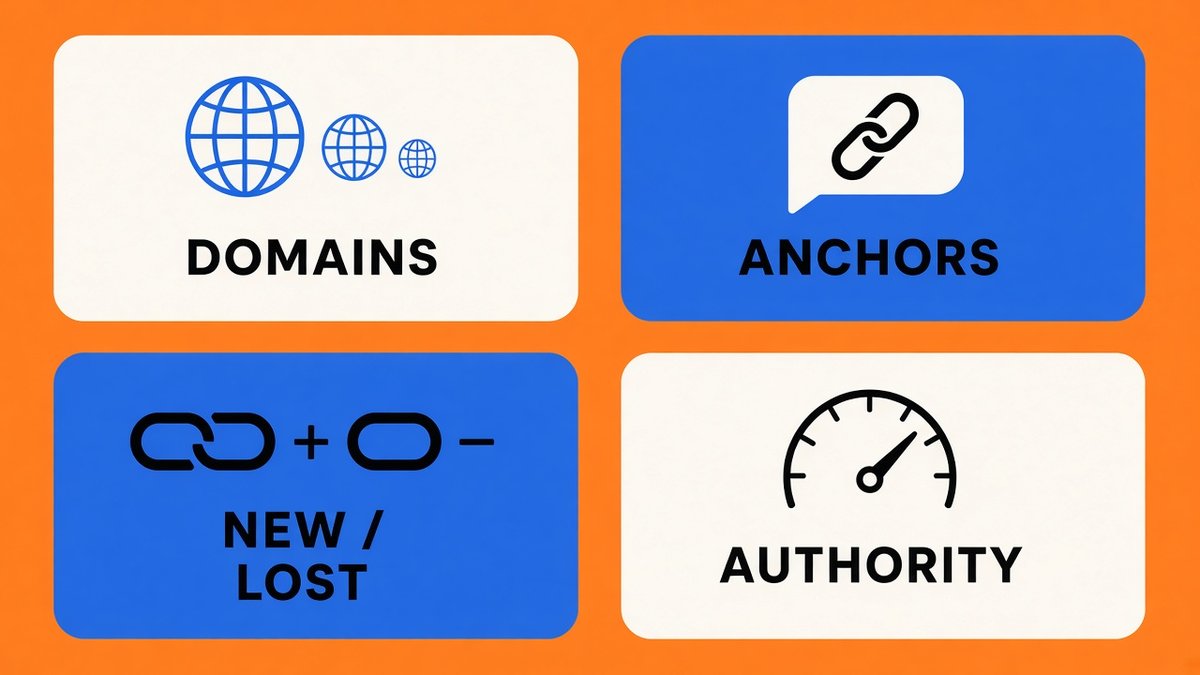
Every tool uses its own crawler and its own scores, so the same site will show different numbers in Ahrefs, Semrush, Moz and Majestic. Focus on trends and on the metrics below rather than on one tool’s headline score.
↔ On a phone, swipe the table sideways to see every column
| Metric | What it means | How to use it |
|---|---|---|
| Referring domains | Number of unique websites linking to you | The best single growth number to track monthly |
| Backlinks | Total links, including many from one site | Ignore big jumps from one sitewide footer link |
| Authority score (DR, DA, AS, TF) | Each tool’s own estimate of link strength | Compare sites inside one tool only, never across tools |
| Anchor text | The clickable words in links to you | Mostly brand name and URL is healthy and natural |
| New and lost links | Links gained or dropped over time | Check lost links on money pages and ask for fixes |
| Follow vs nofollow | Whether a link passes ranking value | A natural profile has both; do not chase only follow |
Free first: Search Console and Bing
Google Search Console has a Links report that lists your top linking sites, your most linked pages and common anchor text. It is sampled rather than complete, but it is Google’s own view, which no third-party tool can match. Every small business site should have it set up before paying for anything.
Bing Webmaster Tools goes further than most people realise. Its backlinks section lets you see links for your own site and compare referring domains with competitor domains, for free. The Bing index is smaller than Ahrefs, so treat counts as directional, but it is a genuinely useful free answer to the common related search “free backlink checker”.
⚠️ Free tools have limits
Free tools rarely keep link history, send lost-link alerts or allow bulk checks and full exports. That is usually the point where a paid plan starts to earn its cost.
SE Ranking: best value all-in-one
SE Ranking is my pick for most small businesses and small agencies. Its Core plan costs $129 a month, or $103.20 a month billed yearly, and includes backlink research for any domain, a backlink monitoring tool for links you have earned or paid for, a backlink gap view against competitors, plus site audits, keyword research and daily rank tracking for 2,000 keywords.
The backlink reports show referring domains, anchors, new and lost links and an authority score, with filters that make it easy to pull out only the links worth copying. For a small team, having audit, rank tracking and link data in one login is often cheaper than buying a separate link tool and a rank tracker. You can try SE Ranking free for 14 days on your own site and two competitors, and my SE Ranking review walks through the setup.
If you are deciding between SE Ranking and the big suites, I compare index size, features and price in SE Ranking vs Ahrefs for backlink research and SE Ranking vs Semrush for small teams.
Track every backlink in one place
SE Ranking shows competitor links, alerts you to lost links and adds audits plus rank tracking in one plan. Try it free for 14 days.
Start the free SE Ranking trial →
Affiliate link. I may earn a commission at no extra cost to you.
Ahrefs: biggest link index, free for your own site
Ahrefs Free (formerly Ahrefs Webmaster Tools) shows backlink data and a site audit for any site you verify, at no cost. If you only need to see your own links, that is one of the best free deals in SEO. Competitor research needs a paid plan: Starter at $29 a month gives basic research, and Lite at $129 a month unlocks the full Site Explorer.
Ahrefs is widely seen as having one of the largest and freshest link indexes, and its Link Intersect report is excellent for finding sites that link to several competitors but not to you. The downside is cost: limits, credits and extra users add up quickly, so it suits businesses that do link building every week.
Semrush: backlinks inside a full suite
Semrush includes Backlink Analytics, Backlink Gap and a Backlink Audit tool inside a large marketing suite with keyword research, advertising research and content tools. Its SEO plan costs $139 a month, or $117.33 a month billed yearly, and a limited free account lets you run a few backlink lookups per day.
If your team already uses Semrush for ads or content, use its link tools before buying anything else. If you are buying from scratch only for links, it is a lot of tool for the job, and my list of Semrush alternatives for small business covers cheaper options.
Moz Pro: Domain Authority and simple reports
Moz Link Explorer is where the well-known Domain Authority score comes from. The free version gives a small number of lookups per month, enough to sanity-check a few link prospects. Moz Pro Standard costs $99 a month, or $79 a month billed yearly, and adds full link research, rank tracking and site crawls.
Moz’s reports are simple and beginner friendly, which suits owners who want a clear score and a short list of new and lost links. Remember that Domain Authority is Moz’s own metric, not something Google uses.
Majestic: link-only specialist from the UK
Majestic is a UK-based tool that does one thing: links. Its Trust Flow and Citation Flow scores help you judge whether a site’s links look trustworthy or just numerous, and its historic index goes back years. The Lite plan costs £39.99 a month and Pro costs £79.99 a month, before VAT.
Majestic has no keyword research or site audit, so it works best as a second opinion next to a free stack, or for freelancers who vet a lot of link prospects. For one small business site, it is usually more specialised than you need.
How to check a competitor’s backlinks in 6 steps
A very common related search is “how to check backlinks of a competitor”. Here is the simple process I use with any of the tools above, and it fits neatly into a wider competitor analysis for small business.
Pick three real competitors
Choose businesses that rank for your main service or product searches, not just the biggest brand in your industry.
Pull their referring domains
Enter each domain in Bing Webmaster Tools (free) or SE Ranking, Ahrefs or Semrush, and export the list of linking sites.
Run a link gap report
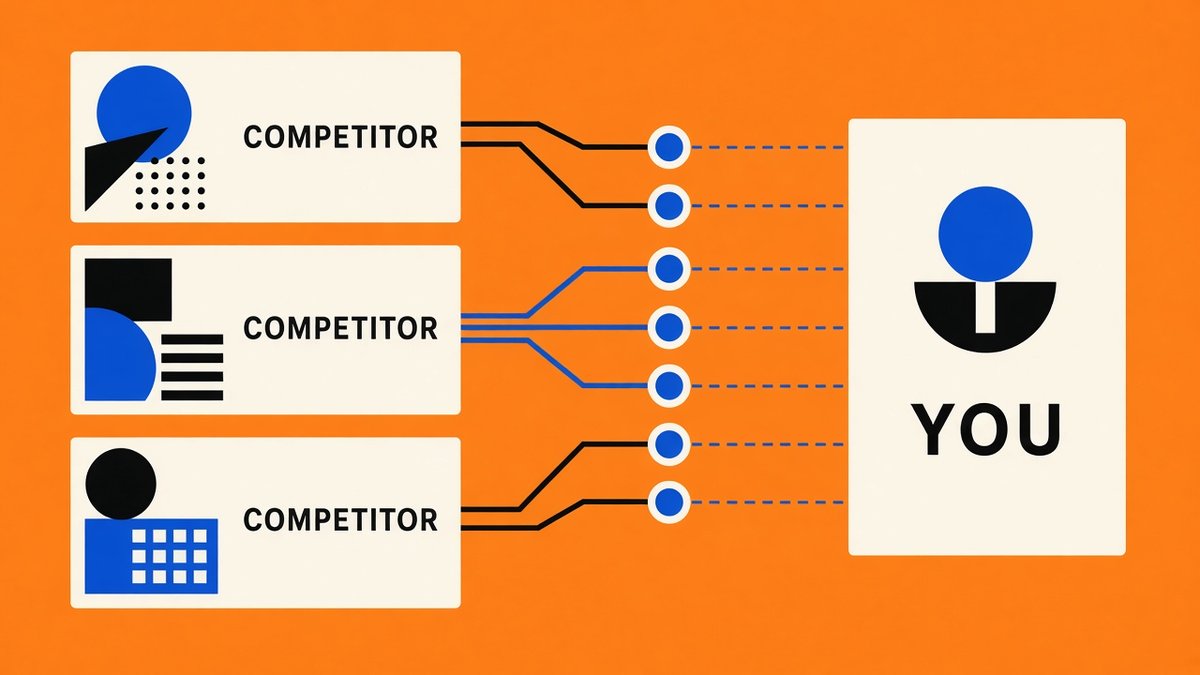
Use a backlink gap or link intersect report to find sites that link to two or more competitors but not to you. These are your warmest prospects.
Sort by type
Group prospects into directories, associations, suppliers and partners, local news, guest posts or podcasts, and resource pages.
Earn the easy ones first
Claim directory and association listings, ask suppliers and partners for a link, and pitch local media with a real story or data.
Monitor what you earn
Add new links to a monitoring tool, check lost links monthly and politely ask site owners to restore broken ones.
📌 Make pages worth linking to
People link to useful pages: a pricing guide, a local checklist, original data or a fast, clear landing page. My comparison of the best landing page builders covers tools that make clean, linkable pages without a developer, and a short press release can turn company news into local links.
Local businesses should also check citations and their Google Business Profile; my guide to local SEO for small business covers the local link sources a backlink tool will not always show.
Bad links, toxic scores and the disavow file
Most backlink tools now show a toxic or spam score and push you towards a disavow file. Be careful. Google says it already ignores most spammy links, and disavowing good links by mistake can hurt you. For a typical small business, random low-quality links from scraper sites are normal and harmless.
↔ On a phone, swipe the table sideways to see every column
| Situation | What to do |
|---|---|
| A few spammy links from scraper sites | Ignore them; Google usually discounts them |
| Sudden spike of thousands of spam links | Watch rankings; consider a disavow only if traffic drops |
| You or an old agency bought links | Remove what you can, then disavow the rest |
| Manual action notice in Search Console | Clean up, disavow and file a reconsideration request |
| Lost link from a strong, relevant site | Contact the site owner and ask for it to be restored |
⚠️ Never buy cheap link packages
Packages promising hundreds of links for a few dollars break Google’s spam policies and can lead to a manual penalty. Earn links from real businesses and publications instead.
Year-one cost by setup
↔ On a phone, swipe the table sideways to see every column
| Setup | Tools | Approx. year-one cost | Good for |
|---|---|---|---|
| Free stack | Search Console + Bing Webmaster Tools + Ahrefs Free | $0 | Owners checking their own site |
| Link specialist | Majestic Lite | £479.88 + VAT | Vetting link prospects |
| Beginner suite | Moz Pro Standard | $948 yearly ($1,188 monthly) | Simple scores and reports |
| All-in-one | SE Ranking Core | $1,238.40 yearly ($1,548 monthly) | Links + audits + rank tracking |
| Big index | Ahrefs Lite | About $1,548 monthly billing | Weekly link building |
| Full suite | Semrush SEO plan | About $1,408 yearly ($1,668 monthly) | Teams using many marketing tools |
💡 Count what one plan replaces
An all-in-one plan looks pricey next to a link-only tool, but if it also replaces a separate rank tracker and audit tool, it is often the cheaper setup. My guide to the best SEO audit tools for small business compares the audit side.
My take
The best backlink checker tools for small business are the ones that turn link data into a short list of actions. If you only want to see your own links, Google Search Console and Ahrefs Free cost nothing. Add Bing Webmaster Tools for a free look at competitors, and you already have more link data than most local rivals use.
When you are ready to build links on purpose, SE Ranking gives the best value for most small businesses: competitor link research, lost-link monitoring, audits and rank tracking in one plan. Choose Ahrefs if link building is a weekly job and budget allows. Whatever you choose, track referring domains monthly, copy your competitors’ realistic links and ignore spammy noise. You can browse more SEO software comparisons in my Reviews & Tools section.
📝 About this guide: Written for small businesses, local service companies, online shops, freelancers and small agencies in the US, UK and Europe. Prices and plan limits were checked on each vendor’s official pricing page in late November 2026 and are shown in US dollars or pounds as the vendor lists them, before VAT or sales tax. Link counts differ between tools because each one runs its own crawler, so treat numbers as estimates. Plans change often, so confirm the current price before you buy. I update this guide when a plan changes.
Frequently Asked Questions
What are the best backlink checker tools for small business?
For most small businesses, SE Ranking offers the best value because its Core plan combines competitor backlink research, lost-link monitoring, site audits and rank tracking. For free options, use Google Search Console for your own links and Bing Webmaster Tools for competitors.
Is there a free backlink checker?
Yes. Google Search Console and Ahrefs Free show links to sites you own, Bing Webmaster Tools shows links for competitor domains, and Moz, Majestic and Semrush offer a few free lookups.
How do I check a competitor’s backlinks for free?
Add your site to Bing Webmaster Tools and use its backlinks section to compare your referring domains with competitor domains. For deeper lists, use a free trial of a paid tool such as SE Ranking.
Why do backlink tools show different numbers?
Each tool runs its own crawler and index and updates it at different speeds. Compare trends inside one tool rather than comparing numbers across tools.
How many backlinks does a small business need?
There is no fixed number. In many local and niche markets a few dozen relevant referring domains are enough to compete. Look at how many the top three competitors have and close the gap.
Should I disavow toxic backlinks?
Usually not. Google ignores most spammy links. Use a disavow file only if you bought links, received a manual action or saw a clear drop after a spam attack.
Affiliate disclosure: some links in this post are affiliate links, so I may earn a commission at no extra cost to you. I only recommend tools I’d use myself.