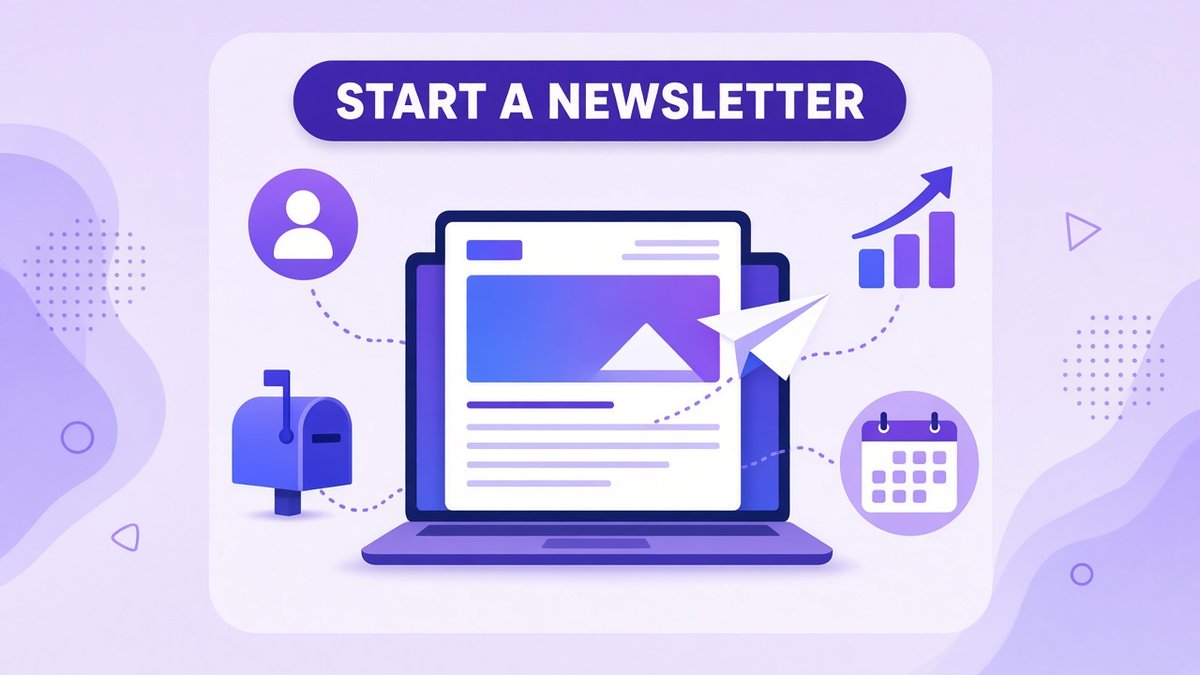
Learning how to start a newsletter is one of the smartest moves a creator, freelancer or small business owner can make in 2026. Social media reach goes up and down with every algorithm change, but an email list is an audience you own. You decide when to show up, what to say and what to offer. In this guide, I walk you through how to start a newsletter from scratch: choosing a niche, picking a platform, setting up a signup page, writing your first issues and growing your list, with simple notes on GDPR for readers in the UK and EU.
✔ Key takeaways
- A newsletter gives you a direct line to your audience that no algorithm controls.
- Start with a clear promise: who it is for, what they get and how often.
- A free plan on a creator-focused email tool is enough to launch and reach your first few thousand readers.
- Send on a fixed schedule, weekly or every two weeks, and keep each issue focused on one useful idea.
- Grow your list with a signup form on every page, a simple lead magnet and cross-promotion.
- Collect clear consent and make unsubscribing easy, especially for UK and EU subscribers.
📋 In this guide
- Why a newsletter is worth starting in 2026
- Pick your niche and promise
- Choose a newsletter platform
- How to start a newsletter in 6 steps
- What to write in each issue
- How to grow your first 1,000 subscribers
- GDPR and email law basics
- How to make money from a newsletter
- Common newsletter mistakes
- Frequently Asked Questions
- Final thoughts
Why a newsletter is worth starting in 2026
A newsletter is a regular email you send to people who asked to hear from you. It can be a weekly round-up, a short lesson, a behind-the-scenes update or a curated list of links. What makes it powerful is ownership. If a social platform changes its rules tomorrow, your followers may stop seeing your posts. Your email list stays with you, and you can move it to another provider at any time.
A newsletter also builds trust slowly and steadily. Readers who open your email every week get to know how you think, which makes them far more likely to buy a product, book a call or recommend you.
| Channel | Who controls reach | Best for |
|---|---|---|
| Email newsletter | You | Trust, repeat visits, sales |
| Social media | The platform algorithm | Discovery and quick reach |
| Blog or SEO | Search engines | Evergreen traffic over time |
| Podcast or video | Mixed, platform plus subscribers | Deep connection with fans |
Pick your niche and promise
The best newsletters make one clear promise. Before you set anything up, write a single sentence that finishes this line: “Every [week], I help [specific reader] [get specific result].” For example: “Every Tuesday, I help UK freelancers find better-paying clients” or “Every two weeks, I share one practical marketing idea for small online shops.”
A narrow promise feels small at first, but it is much easier to grow. People know straight away whether your newsletter is for them, and you always know what to write about.
💡 Test your idea first
Write down 20 issue ideas for your niche. If you struggle to reach 20, the topic is probably too narrow or not something you care about enough to write every week.
Choose a newsletter platform
You need an email service provider, the tool that stores your subscribers, hosts signup forms and sends your emails. For a newsletter, look for a free plan, simple signup forms or landing pages, easy writing tools, tagging so you can segment readers, and automation when you are ready for a welcome sequence.
| Platform | Free plan (when I checked) | Best for |
|---|---|---|
| Kit | Up to 10,000 subscribers, unlimited landing pages, forms and broadcasts | Creators who want a newsletter-first tool |
| Systeme.io | 2,000 contacts, plus funnels, a course and a blog | Creators who also want to sell courses or products |
| MailerLite | Free plan with a subscriber cap; check the current limit | Small businesses wanting EU-based hosting |
| Substack | Free to use; takes a share of paid subscriptions | Writers focused on paid subscriptions |
For most new newsletters, I suggest Kit, formerly ConvertKit. Its free plan is generous, its editor is simple and it was built for creators. The main limit is that automated welcome sequences start on the paid Creator plan, which you can compare on the Kit pricing page. I cover this in detail in my Kit review and in Kit vs MailerLite.
If you plan to sell a course, coaching or digital products alongside your newsletter, an all-in-one tool can save money. Systeme.io includes email, funnels and a course area on its free plan; see my Systeme.io pricing guide for the limits.
How to start a newsletter in 6 steps
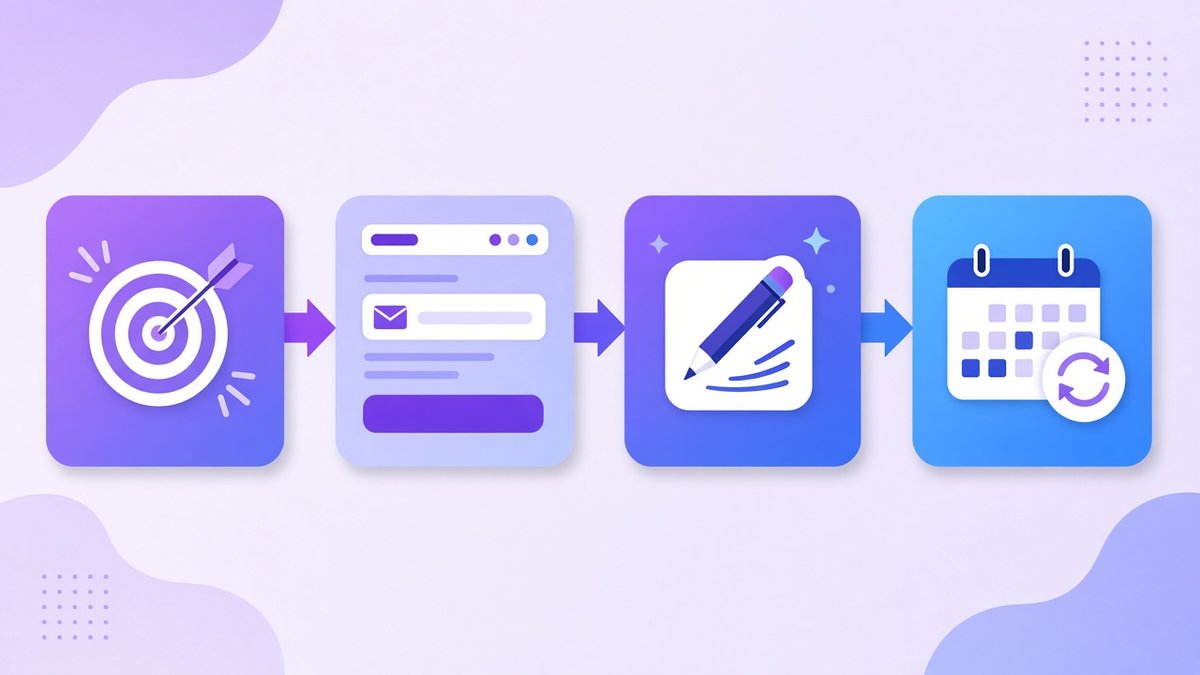
The four core stages of starting a newsletter: choose your niche, build an opt-in page, write your issues and send them on a fixed schedule.
Name your newsletter
Choose a short, clear name that hints at the promise. “The Freelance Pipeline” says more than “Jane’s Updates”. Check the name is not already used by a similar newsletter.
Create your account and sender details
Sign up for your email platform, add your sender name and a professional address on your own domain if you have one. Add a physical or business mailing address, which most providers require for legal compliance.
Build a signup form or landing page
Write a headline with your promise, two or three bullet points on what readers get, and a single email field. Keep it short. Add the form to your website, blog sidebar and social profiles.
Write a welcome email
Thank new subscribers, repeat what they will get and when, and ask them to reply with one question. Replies help your deliverability and tell you what readers want.
Write your first three issues
Draft three issues before you launch so you have a buffer. This stops you missing a week when life gets busy.
Pick a schedule and stick to it
Weekly is ideal for building a habit; every two weeks works too. Choose a day and time and keep it consistent for at least three months before judging results.
What to write in each issue
A good issue is focused, useful and easy to read on a phone. A simple structure that works for most niches:
- A short, specific subject line that promises one clear benefit.
- A personal opening of two or three sentences.
- One main idea, lesson or story, with a practical takeaway.
- Two or three curated links or resources, each with a line on why it matters.
- One call to action, such as replying, reading a post or checking out an offer.
📌 Keep it skimmable
Use short paragraphs, clear subheadings and plenty of white space. Most people read email on their phones, often in a few spare minutes.
How to grow your first 1,000 subscribers
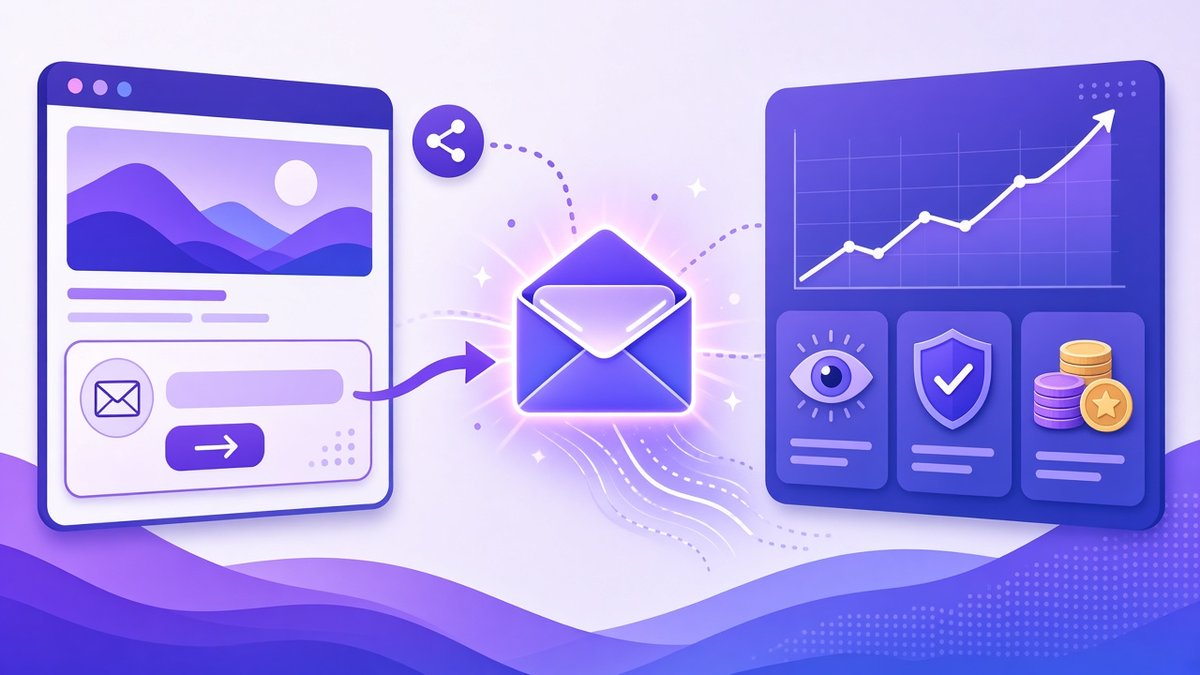
Newsletter growth in one picture: signup forms and shares bring readers in, while you track opens, collect GDPR consent and add income streams.
Your first 1,000 subscribers usually come from many small sources rather than one big break. Combine several of these:
- Add a signup form everywhere: your homepage, the end of every blog post, your email signature and your social bios.
- Offer a lead magnet, such as a checklist or template, in exchange for an email address. My guide on how to create a lead magnet shows how to build one in a weekend.
- Repurpose each issue into a short social post with a link to subscribe.
- Swap recommendations with newsletters of a similar size in a related niche.
- Ask readers to forward it to one friend who would find it useful.
- Publish past issues on your website so they can be found in search.
For a wider view of how email fits into your marketing, read my guide to email marketing for small business.
GDPR and email law basics
If you have subscribers in the UK or EU, GDPR and the related e-privacy rules apply. In the US, the CAN-SPAM Act sets the basics. In plain terms:
- Get clear, active consent. No pre-ticked boxes, and say what people are signing up for.
- Keep a record of when and how each person subscribed; most email platforms do this for you.
- Include an unsubscribe link in every email and honour requests quickly.
- Show your business name and a postal address in the footer.
- Use a provider that offers a data processing agreement and explains where data is stored.
⚠️ Never buy an email list
Bought lists break consent rules, damage your sender reputation and usually lead to spam complaints. Grow your list only from people who chose to join.
How to make money from a newsletter
You do not need a big list to earn from a newsletter. A small, engaged audience can be valuable once readers trust you:
| Model | How it works | Works best when |
|---|---|---|
| Your own products | Sell ebooks, templates, courses or services | You solve a clear problem for readers |
| Affiliate links | Recommend tools you use and earn a commission | You review or teach tools in your niche |
| Sponsorships | Brands pay for a mention in an issue | Your audience is focused and engaged |
| Paid subscriptions | Readers pay for premium issues | Your content is unique and hard to find elsewhere |
Many creators start with affiliate links and their own small digital products, then add sponsorships as the list grows. If you want to sell a course to your readers later, my guide to free funnel builders compares the tools.
Common newsletter mistakes
- Waiting until everything is perfect: launch with a simple form and improve as you go.
- Sending irregularly: readers forget who you are and mark you as spam.
- Writing about everything: a vague newsletter is hard to recommend.
- Ignoring the welcome email: it is often the most-read email you will ever send.
- Only selling: give real value in most issues so offers feel earned.
- Never cleaning the list: remove people who have not opened in months to protect deliverability.
Frequently Asked Questions
How do I start a newsletter for free?
Choose a niche and a clear promise, sign up for an email platform with a free plan, create a simple signup form, write a welcome email and your first issues, then send on a fixed schedule. Kit’s free plan allowed up to 10,000 subscribers when I checked in October 2026.
How often should I send a newsletter?
Weekly is a good default because it builds a habit without overwhelming readers. Every two weeks also works. The most important thing is to stay consistent.
How long should a newsletter be?
Long enough to deliver one useful idea, usually 300 to 1,000 words. Short, focused issues are easier to read on a phone and easier for you to write every week.
Do I need a website to start a newsletter?
No. Most email platforms give you a free landing page for signups. A website helps with growth over time, but you can start without one.
How do newsletters make money?
Through your own products or services, affiliate links, sponsorships and paid subscriptions. Most small newsletters start with affiliate links and simple digital products.
Does GDPR apply to my newsletter?
If you collect emails from people in the UK or EU, yes. Get clear consent, record when people subscribe, include an unsubscribe link and use a provider with a data processing agreement.
Final thoughts
Now you know how to start a newsletter: pick a narrow promise, choose a simple platform, build a signup page, write a welcoming first email and send useful issues on a schedule. The first hundred subscribers are the hardest. After that, consistency and good content start to compound.
Set a date for your first issue this week, write three issues in advance, and share your signup link everywhere you already have an audience.
Start your newsletter on Kit for free
Kit’s free plan gives you landing pages, signup forms and unlimited broadcasts for your first subscribers, built for creators.
Affiliate link. I may earn a commission at no extra cost to you.
Affiliate disclosure: some links in this post are affiliate links, so I may earn a commission at no extra cost to you. I only recommend tools I’d use myself.