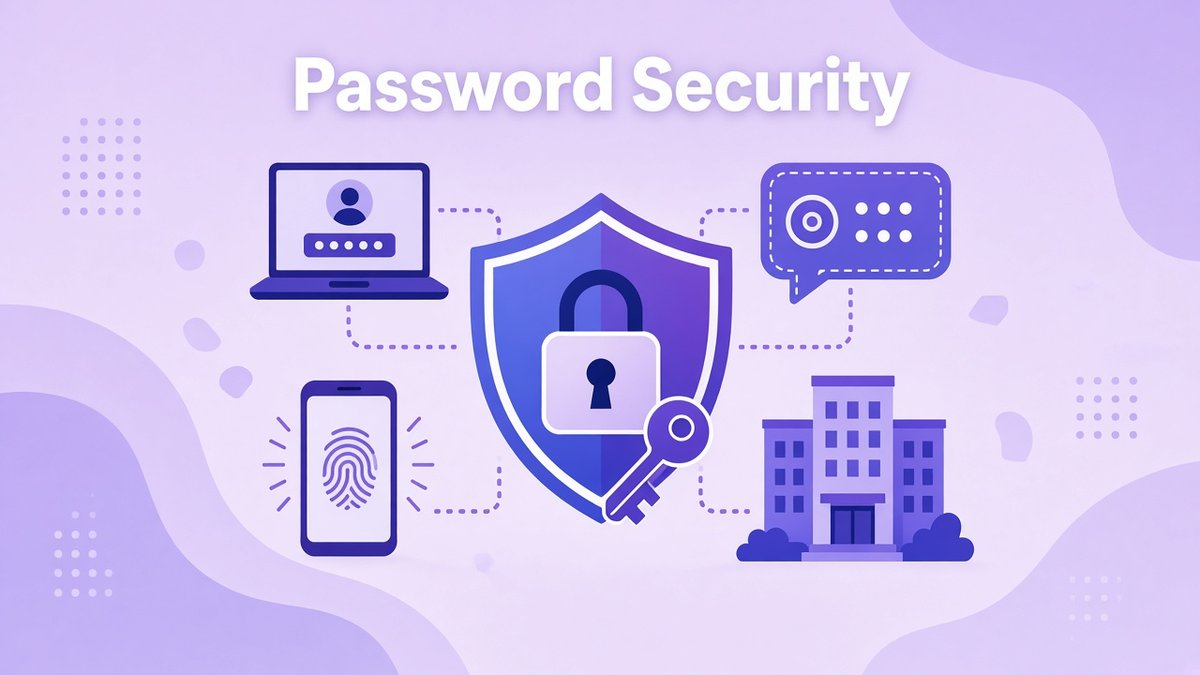
Password security for small business sounds like an IT job for later, yet a single reused or leaked password is still one of the easiest ways for someone to get into your email, your bank, your website or your customer list. Small teams are attractive targets precisely because they rarely have a security person, and logins get shared over chat, saved in browsers and forgotten when people leave. The good news is that fixing it takes a few clear rules, one good tool and an afternoon of setup.
✔ Key takeaways
- Long, unique passwords beat short, complex ones. Never reuse a password across two business accounts.
- A shared password manager is the single biggest upgrade most small teams can make.
- Turn on two-factor authentication (2FA) for email, banking, domain, hosting and admin accounts first.
- Never share logins in chat or email. Share them from the password manager, with access you can revoke.
- Remove access the same day someone leaves, and review who can log in to what every quarter.
- Under GDPR, strong access control is part of keeping personal data secure.
📋 In this guide
- Why password security matters for small businesses
- The most common password risks
- What a modern password policy looks like
- Use a password manager for the whole team
- Turn on two-factor authentication everywhere
- Sharing logins safely with staff and freelancers
- Onboarding, offboarding and access reviews
- GDPR and password security
- A 7-step password security plan
- Frequently Asked Questions
- Final thoughts
Why password security matters for small businesses
Your business runs on logins. Email is the master key: anyone who controls it can reset almost every other password you have. Then there are your bank and payment accounts, your domain registrar and hosting, your website admin, your CRM, your accounting software and every social profile you post from.
When one of those passwords is weak or reused, a data breach at some unrelated website can hand attackers a working login to your business. The cost is rarely just the account itself. It is lost time, refunds, angry clients, a damaged reputation and, if customer data is involved, possible reporting duties under data protection law.
📌 Small does not mean safe
Attackers mostly use automated tools that try leaked email and password pairs on thousands of sites at once. They are not choosing you because you are big. They find you because one password matched.
The most common password risks
Most password problems in small companies fall into a handful of patterns. If you recognise two or three of these, you are in good company, and each one has a simple fix.
| Risk | What it looks like | The fix |
|---|---|---|
| Password reuse | The same password on email, the CRM and a shopping site | Unique password for every account, stored in a manager |
| Credential stuffing | Bots try leaked logins from other breaches on your accounts | Unique passwords plus 2FA |
| Phishing | A fake login page that looks like your email or bank | 2FA, a manager that only autofills on the real site, and staff awareness |
| Shared logins in chat | Passwords pasted into Slack, WhatsApp or email threads | Share from a password manager instead |
| Former staff access | A freelancer from last year can still log in | Offboarding checklist and quarterly access review |
| Weak recovery options | An old phone number or personal email can reset the admin account | Update recovery details and store backup codes safely |
Notice that almost every fix points to the same two tools: a password manager and two-factor authentication. That is why the rest of this guide focuses on them.
What a modern password policy looks like
Old password advice told people to use short passwords full of symbols and to change them every 90 days. Modern guidance has moved on. The US National Institute of Standards and Technology (NIST SP 800-63B) recommends length over forced complexity and says you should not force regular changes unless there is a sign a password has been compromised. The UK’s National Cyber Security Centre suggests passphrases made of three random words for the passwords people need to remember.
A practical password policy for a small business can be short:
- Length first: at least 12 characters for anything typed by hand, and longer random passwords for everything stored in the manager.
- Unique always: no password is used on more than one account.
- Change on compromise: change a password straight away if a service reports a breach, a device is lost or someone leaves, rather than on a fixed calendar.
- Check against breaches: use a manager or a service such as Have I Been Pwned to spot accounts that appeared in known leaks.
- 2FA required: on every account that offers it, starting with email and money.
💡 Write it down once
Put your password policy in a one-page document next to your other standard operating procedures. New hires then get the same rules from day one.
Use a password manager for the whole team
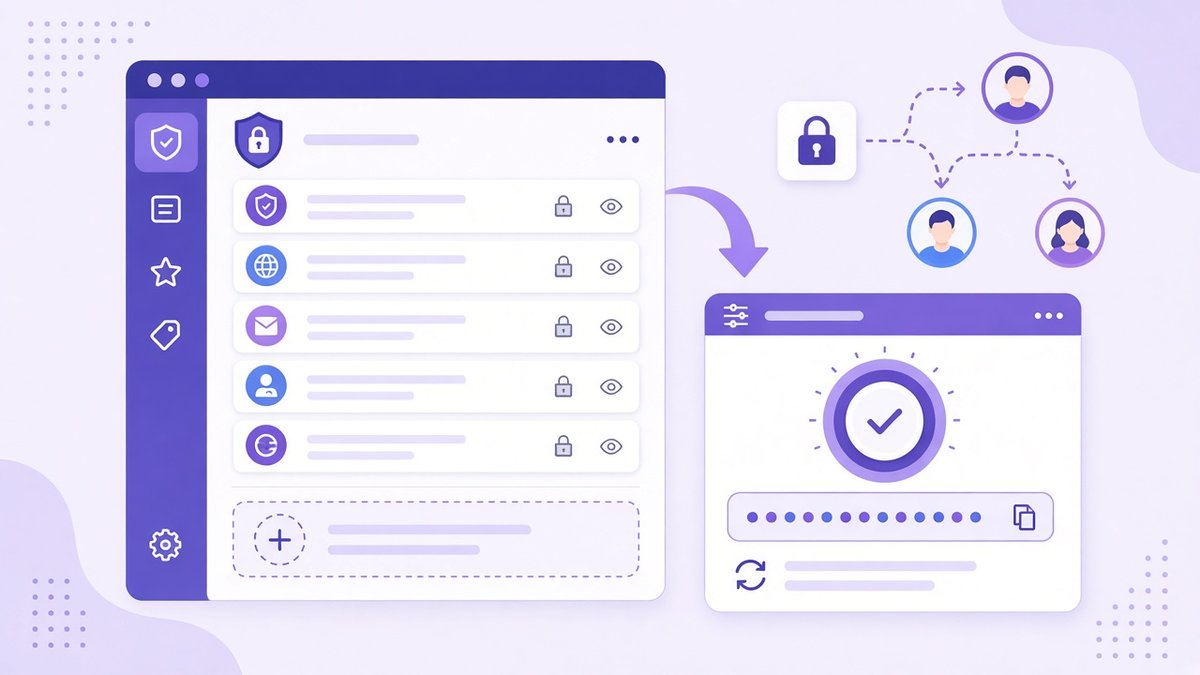
A shared password manager stores unique passwords, generates new ones and shares access with the team.
A password manager is an encrypted vault that remembers every password for you. You unlock it with one strong master password (or your fingerprint or face on supported devices), and it fills in logins on websites and apps. It can also generate a long random password for each new account, so reuse disappears without anyone needing a better memory.
For a team, the key features are secure sharing and access control. You can share the hosting login with your developer, the social media logins with your marketing freelancer and the bank login with nobody, and change or remove that access in one place.
What to look for when you choose one:
| Feature | Why it matters |
|---|---|
| Strong encryption | Your vault should be encrypted on your device before it syncs, so the provider cannot read it |
| Apps for every device | Team members use Windows, Mac, iPhone and Android, plus different browsers |
| Secure sharing | Share individual logins with set access levels instead of pasting them in chat |
| Autofill on the real site | Helps protect against phishing pages that only look like the real login |
| Account recovery | A safe way back in if someone forgets the master password |
| Import from browsers | Moves saved browser passwords into the vault quickly, so you can switch off browser saving |
I keep my own files with pCloud, and its password manager, pCloud Pass, ticks these boxes: it stores passwords encrypted, works across devices and browsers, autofills logins and cards, shares items securely with people you choose, supports biometric unlock and auto-lock, and can import passwords from browsers, other managers or a CSV file. Plans change, so check current pricing on their site. Other well-known options include 1Password and Bitwarden; pick the one your team will actually use.
Turn on two-factor authentication everywhere

Two-factor authentication on a phone or a hardware key stops most attacks that only have a stolen password.
Two-factor authentication (2FA), sometimes called multi-factor authentication, asks for a second proof after your password: a code from an app, a tap on your phone, or a physical security key. Even if someone steals or guesses the password, they still cannot get in without that second factor.
Not all second factors are equal. In rough order from strongest to weakest:
- Passkeys and hardware security keys: very resistant to phishing, because they only work on the real website.
- Authenticator apps and push approvals: a big step up from passwords alone. Teach staff never to approve a sign-in they did not start.
- Text message codes: better than nothing, but vulnerable to SIM-swap scams. Use them only where nothing better is offered.
⚠️ Do these accounts first
Business email, domain registrar, hosting, bank and payment accounts, your website admin and your password manager itself. These are the keys to everything else.
Store 2FA backup codes inside the password manager or in a sealed note in a safe place, so losing a phone does not lock you out of your own business.
Sharing logins safely with staff and freelancers
Freelancers, virtual assistants and agencies often need access to your tools. Pasting a password into chat leaves a copy in someone else’s history forever. A better order of preference:
- Give them their own account with the right role, wherever the tool allows it (most CRMs, website platforms and ad accounts do). This is the cleanest option, because you can remove one person without changing anything for others.
- Share from the password manager when a tool only has one login. You can revoke access later and change the password in one place.
- Never share your master email login. Set up a separate shared mailbox or alias instead.
If you also share client files, use storage with link expiry, passwords on links and strong encryption. My comparison of the best cloud storage for small business covers which services offer these, and pCloud’s client-side encrypted folders are an option for the most sensitive documents.
Onboarding, offboarding and access reviews
Access should follow people in and out of the business. Add a security section to your onboarding process for new staff and contractors, and a matching offboarding checklist:
- Remove the person from the password manager and any shared vaults the same day they leave.
- Change any shared passwords they could see.
- Remove their accounts from email, CRM, hosting, ad platforms and social tools.
- Check that no recovery email or phone number on your accounts belongs to them.
- Once a quarter, review who has admin rights on each key system and remove anything no longer needed.
GDPR and password security
If you handle personal data about customers or staff in the UK or EU, GDPR applies. Article 32 asks you to put in place appropriate technical and organisational measures to keep personal data secure. The regulation does not list password rules, but regulators such as the UK ICO point small organisations toward strong passwords, 2FA and limited access as basic steps.
In practice, a password manager, 2FA on systems holding personal data, and a record of who can access what are a sensible part of showing you take security seriously. Pair this with encrypted business data backups so a breach or ransomware attack does not also mean losing records.
A 7-step password security plan
List your critical accounts
Email, bank, payments, domain, hosting, website, CRM, accounting and social media. Note who owns each one.
Choose a password manager
Pick one with team sharing and apps for every device your team uses, then create a vault for the business.
Secure email first
Set a long unique password and turn on 2FA for every business mailbox. Update recovery details.
Move everything into the vault
Import saved browser passwords, then replace weak or reused passwords with generated ones, starting with the critical list.
Turn on 2FA everywhere
Use an authenticator app, passkeys or a security key where offered. Store backup codes safely.
Write a one-page policy
Length, uniqueness, 2FA, no sharing in chat, and what to do if something looks wrong.
Review every quarter
Check admin access, remove old users and look at breach alerts in your manager.
Frequently Asked Questions
What is the best password policy for a small business?
Require long, unique passwords for every account, store them in a password manager, turn on two-factor authentication for email and financial accounts, and change passwords only when there is a sign of compromise or when someone leaves.
Do small businesses really need a password manager?
Yes. A password manager removes password reuse, makes long random passwords practical and lets you share and revoke access for staff and freelancers without pasting passwords into chat.
How often should employees change their passwords?
Current NIST guidance says not to force regular changes. Change a password when a breach is reported, a device is lost or a person with access leaves.
Is it safe to save passwords in the browser?
It is better than reusing passwords, but a dedicated password manager gives you secure sharing, team control, breach alerts and works across browsers and devices.
Which accounts need two-factor authentication first?
Business email, banking and payment accounts, domain registrar, hosting, website admin and the password manager itself.
Does GDPR require strong passwords?
GDPR requires appropriate security for personal data. It does not list password rules, but strong unique passwords, 2FA and limited access are widely recommended basic measures.
Final thoughts
Password security for small business is not about buying expensive software or hiring a security team. It comes down to unique passwords in a shared manager, two-factor authentication on the accounts that matter, safe sharing and tidy offboarding. Block out one afternoon this week, follow the seven steps above, and you close the door that most attacks walk through.
If you are tightening up your operations, read my guide on how to delegate tasks effectively next, so the people you hand work to get the right access from the start.
Keep your team passwords encrypted with pCloud Pass
An encrypted password manager with autofill, biometric unlock and secure sharing across all your devices.
Affiliate link. I may earn a commission at no extra cost to you.
Affiliate disclosure: some links in this post are affiliate links, so I may earn a commission at no extra cost to you. I only recommend tools I’d use myself.